Connect screens, create content, build playlists, schedule communications and manage digital signage from one easy-to-use web platform.
Available from Anders+Kern UK, TDM Signage provides a flexible cloud-based platform for organisations that need to manage digital communication across one screen, hundreds of screens or multiple locations.
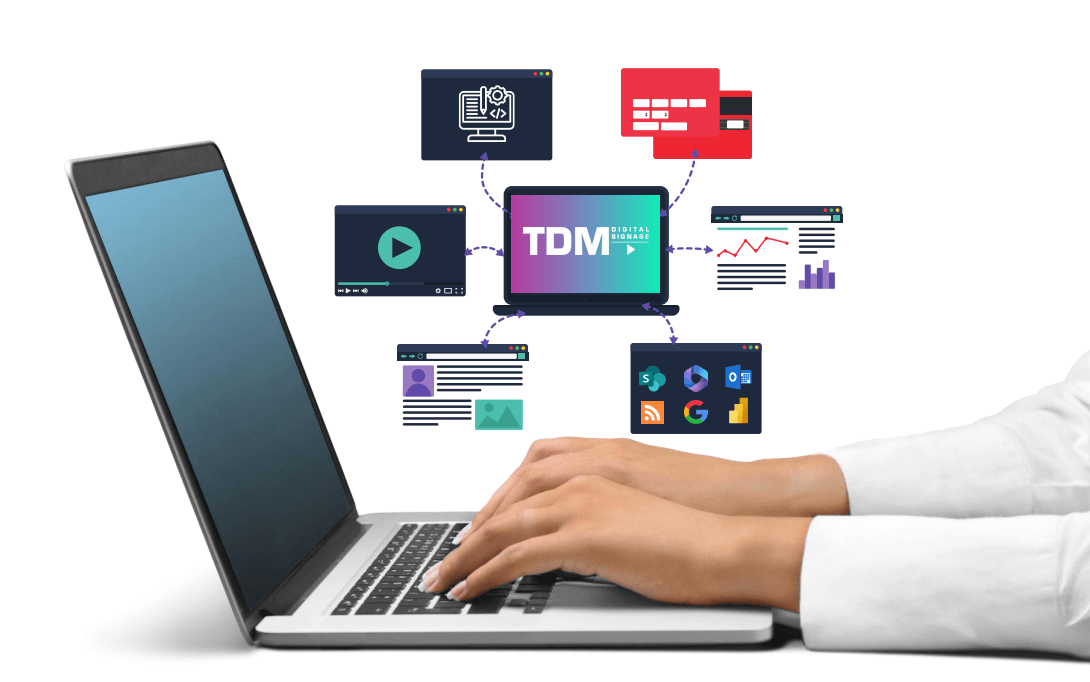
TDM Signage is cloud-based digital signage software designed to bring screen management, content creation, playlists and scheduling together.
Everything is managed through a web browser, helping make everyday signage management accessible to the teams responsible for the content.
The same platform can support a straightforward single-screen deployment or scale across hundreds of displays and multiple locations.
TDM adds the content-management layer between professional display hardware and the people viewing it. For AV projects, it provides central screen and playback management. For workplace projects, those same displays can become communication points for employees, visitors and operational information.
The TDM workflow is built around three straightforward stages, from connecting the first display through to publishing and maintaining content.
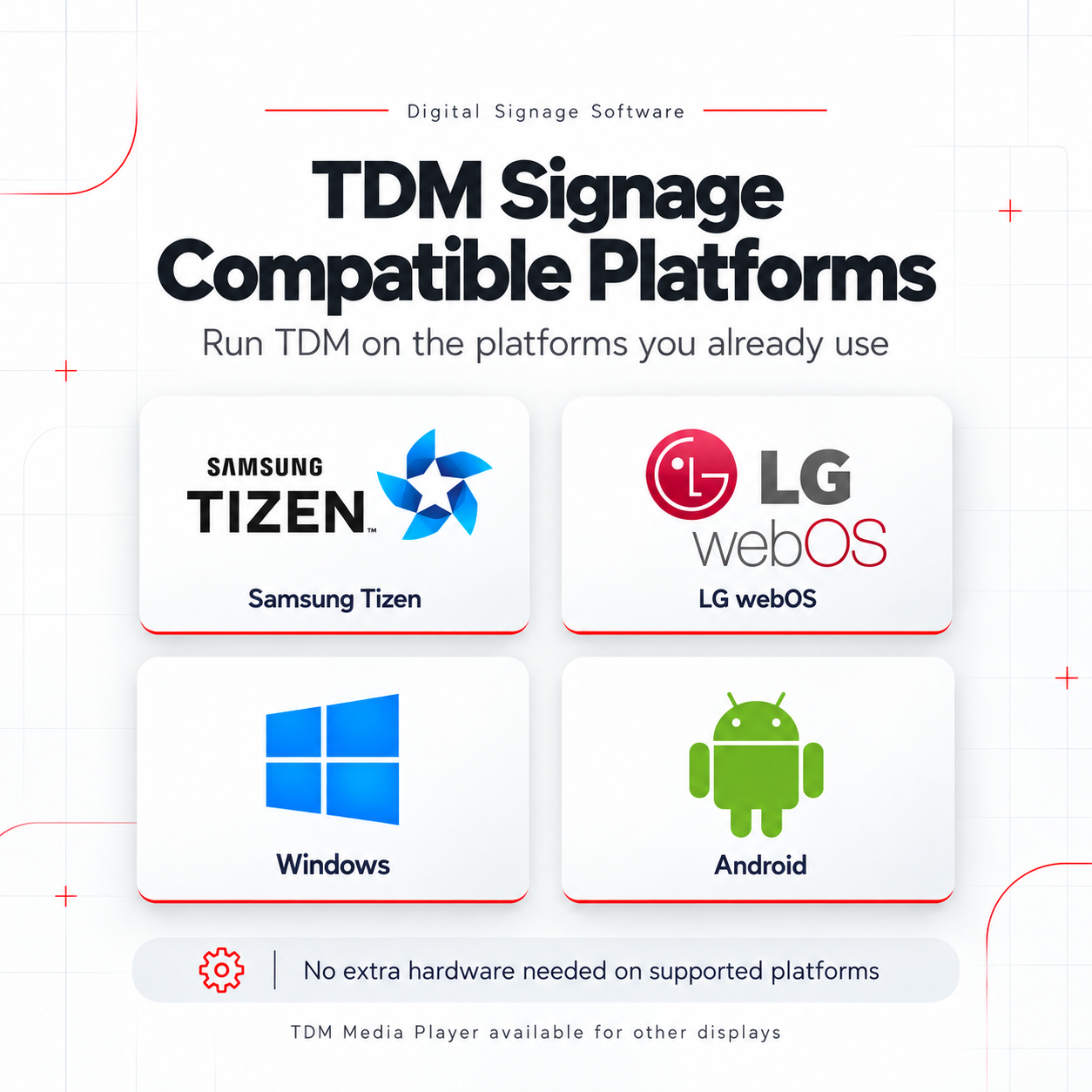
TDM Signage supports common commercial display operating systems including Samsung Tizen, LG webOS, Windows and Android.
Where the display supports a compatible operating system, TDM can connect directly without requiring separate external playback hardware.
Where an external device is preferred or required, TDM Player provides another route into the platform.
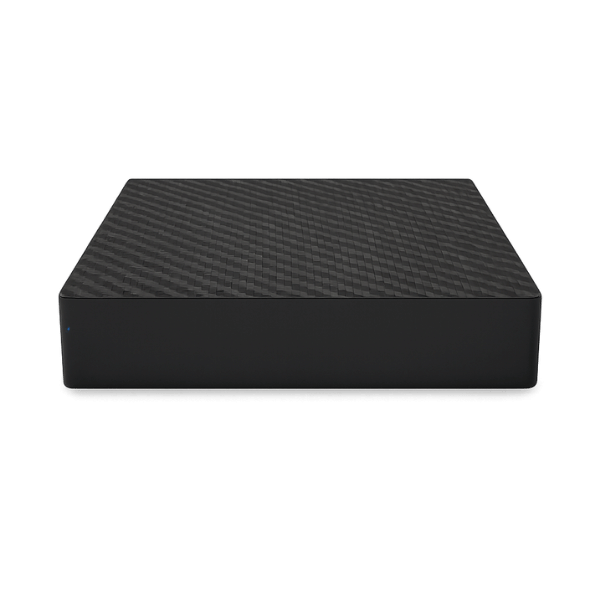
Not every display contains a compatible built-in signage operating system.
TDM Player provides an external playback option for these environments, connecting to the display through HDMI and communicating with the TDM platform over the network.
This also provides a practical route for organisations that want to retain suitable existing display hardware.
Digital signage quickly loses value if every content change requires specialist design support.
TDM includes a visual editor designed to make everyday content creation accessible to the people actually managing the screens.
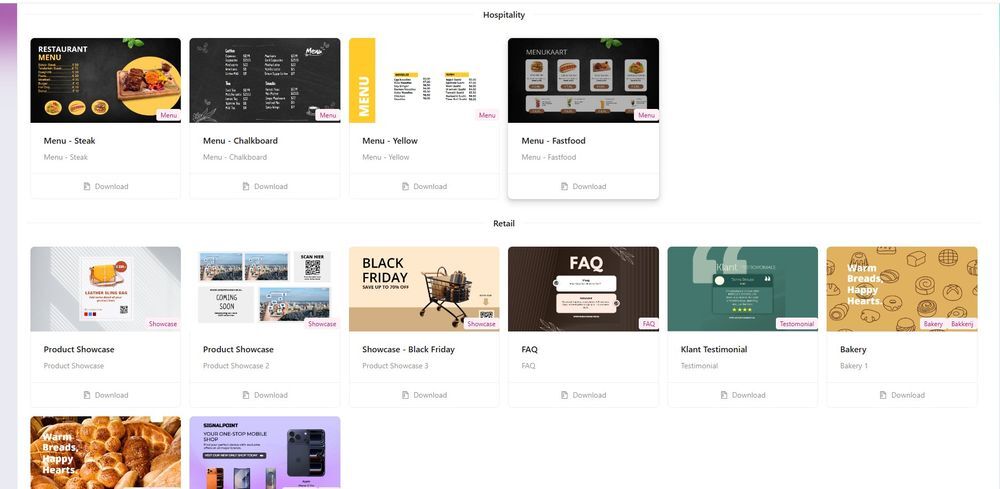
Users can start with more than 200 ready-made templates or create their own layouts using uploaded media and connected information.
Upload branded imagery, promotional graphics, announcements and other visual content for distribution across displays.
Incorporate video into signage layouts and playlists for richer communication and promotional applications.
Bring supported external feeds, business information and other changing content into screen layouts.
Use the template library as a starting point and adapt layouts around an organisation's branding and information.
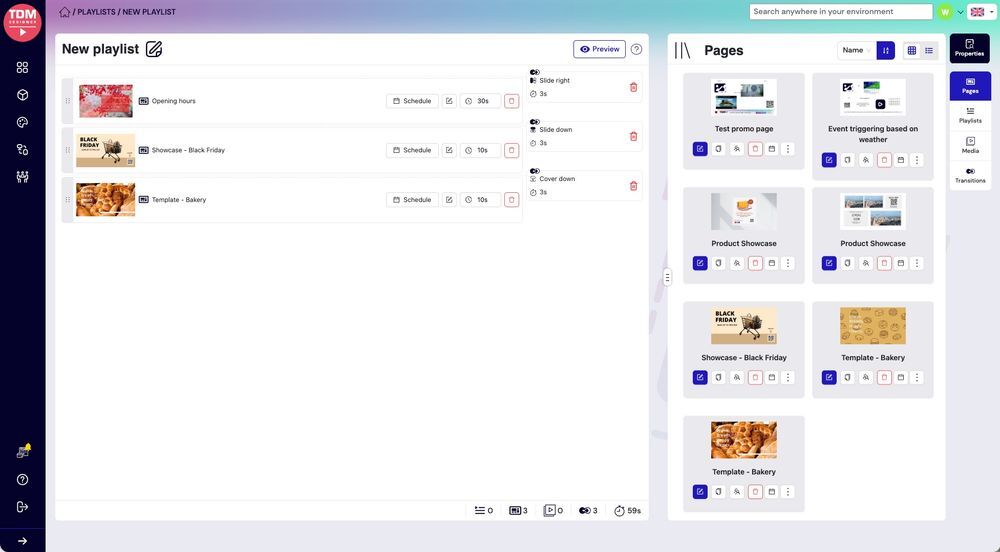
A playlist brings several pieces of content together in a defined sequence.
Administrators determine what goes into the playlist, how long each item appears and which screens receive it.
When the playlist is changed, that update can be distributed across every screen assigned to it.
This helps maintain consistent content while reducing repetitive day-to-day management across larger screen estates.
TDM allows content to be scheduled in advance rather than relying on somebody to change a display manually.
Content can be planned around particular times of day or set to repeat daily, weekly or seasonally.
Different locations can also use different schedules, helping each screen show information relevant to its audience and time of day.
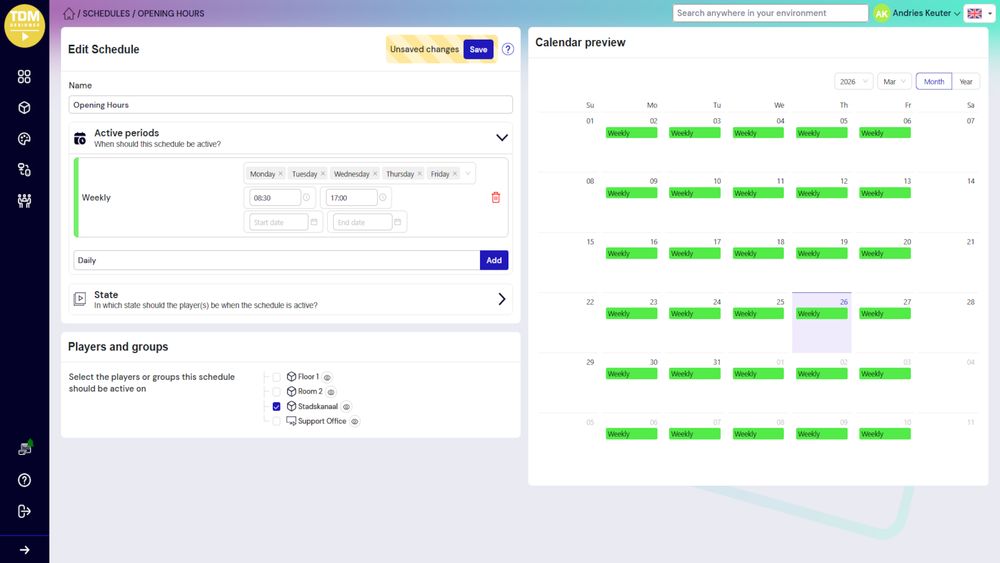
Once screens are connected to TDM, everyday management can take place centrally through a browser rather than requiring somebody to visit each physical display.
Digital signage does not need to rely entirely on manually uploaded content.
TDM supports external applications, feeds and data sources that can bring changing information into digital signage layouts.
This can help keep displays useful and current without repeatedly rebuilding content.
TDM can bring supported social media and live information sources into digital signage content.
This creates opportunities to supplement corporate messaging with content that updates as the underlying source changes.
Digital signage estates can involve several teams with different responsibilities.
TDM includes role-based access so content creators can focus on content, device managers can focus on screens and administrators can retain overall control.
Professional displays form part of the AV estate, while the information they carry can become an important part of the employee and visitor experience. TDM helps connect those two areas within A+K's wider technology portfolio.
The same core TDM workflow can support a broad range of signage requirements, audiences and physical environments.
TDM complements A+K's professional display and AV portfolio with an easy-to-manage digital signage layer, while extending those displays into workplace communications, employee information and connected business content.
The challenge with digital signage is rarely displaying the first piece of content.
The real challenge is keeping dozens or hundreds of screens current without creating a large administrative burden.
TDM addresses that challenge by bringing content creation, playlists, scheduling and screen management into one browser-based environment.
Users can create professional content from templates, organise what should play, automate when it appears and distribute updates remotely across one or multiple locations.
Combined with flexible screen compatibility and live content integrations, this gives A+K customers a digital signage platform that can start simply and grow with the wider display estate.
Whether you are planning a single information display, workplace communications or a centrally managed multi-site signage estate, speak to Anders+Kern about TDM Signage.
Talk to A+K