Clear workplace guidance that helps employees and visitors find the right meeting, room or workspace quickly.
Inspired by airport departure boards, Humly Wayfinding presents ongoing and upcoming meetings in a simple chronological view, together with clear directional information.
No complicated maps. No unnecessary clutter. Just the information people need to understand where they need to go next.
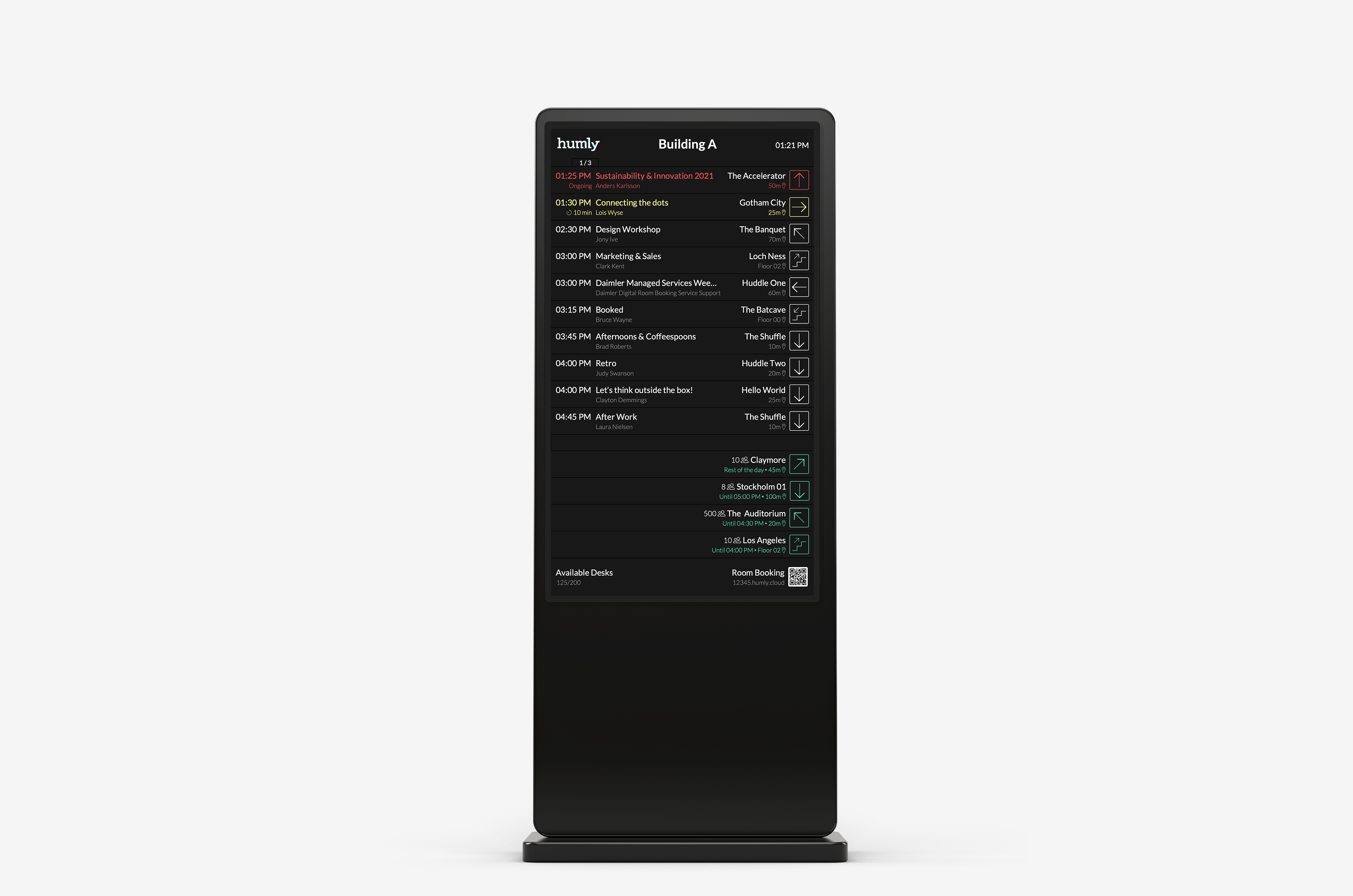
Large offices and multi-floor workplaces can make even a simple meeting difficult to find.
Humly Wayfinding provides a central view of ongoing and upcoming meetings, presenting them in chronological order so users can quickly identify the event they are looking for.
Directional information then provides the next step, helping guide people toward the correct meeting room or workplace destination.

Humly Wayfinding uses a format people already understand: find the event, identify the destination and follow the direction.
Meetings are displayed chronologically, with ongoing meetings shown first followed by what is coming next throughout the day.
Wayfinding displays can be positioned at key points throughout a workplace to help users make the right decision before taking the wrong route.
Give employees and visitors meeting information as soon as they arrive.
Help people select the correct direction or floor before continuing their journey.
Place clear guidance where users need to choose between different directions.
Provide a central overview of current and upcoming meetings.
Display building and floor information alongside room details.
Reduce dependence on reception staff for basic meeting-room directions.
The information displayed can be adapted to suit different workplace environments and organisational requirements.
Alongside meeting and directional information, Wayfinding can display company branding, additional messages, desk availability and QR codes.

Reduce the time employees spend searching for rooms and workplace resources.
Clear real-time meeting information helps users reach the right room on time.
Remove unnecessary searching and confusion from the meeting journey.
Help employees and visitors navigate independently through the workplace.
Humly Wayfinding is web-based, allowing it to operate on suitable screens and devices capable of displaying a modern web browser.
Open API capabilities provide integration with third-party workplace systems, including real-time two-way communication, monitoring and remote management.
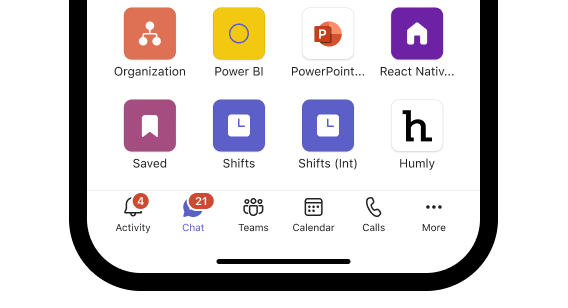
Wayfinding can also be accessed within Microsoft Teams using Single Sign-On, bringing workplace scheduling information into another familiar employee interface.
As a web-based solution, Humly Wayfinding does not require a dedicated proprietary display, providing flexibility when choosing workplace screens and installation locations.
Speak to the A+K team about Humly Wayfinding, workplace navigation, display requirements, integrations and deployment throughout your office environment.
Contact A+K