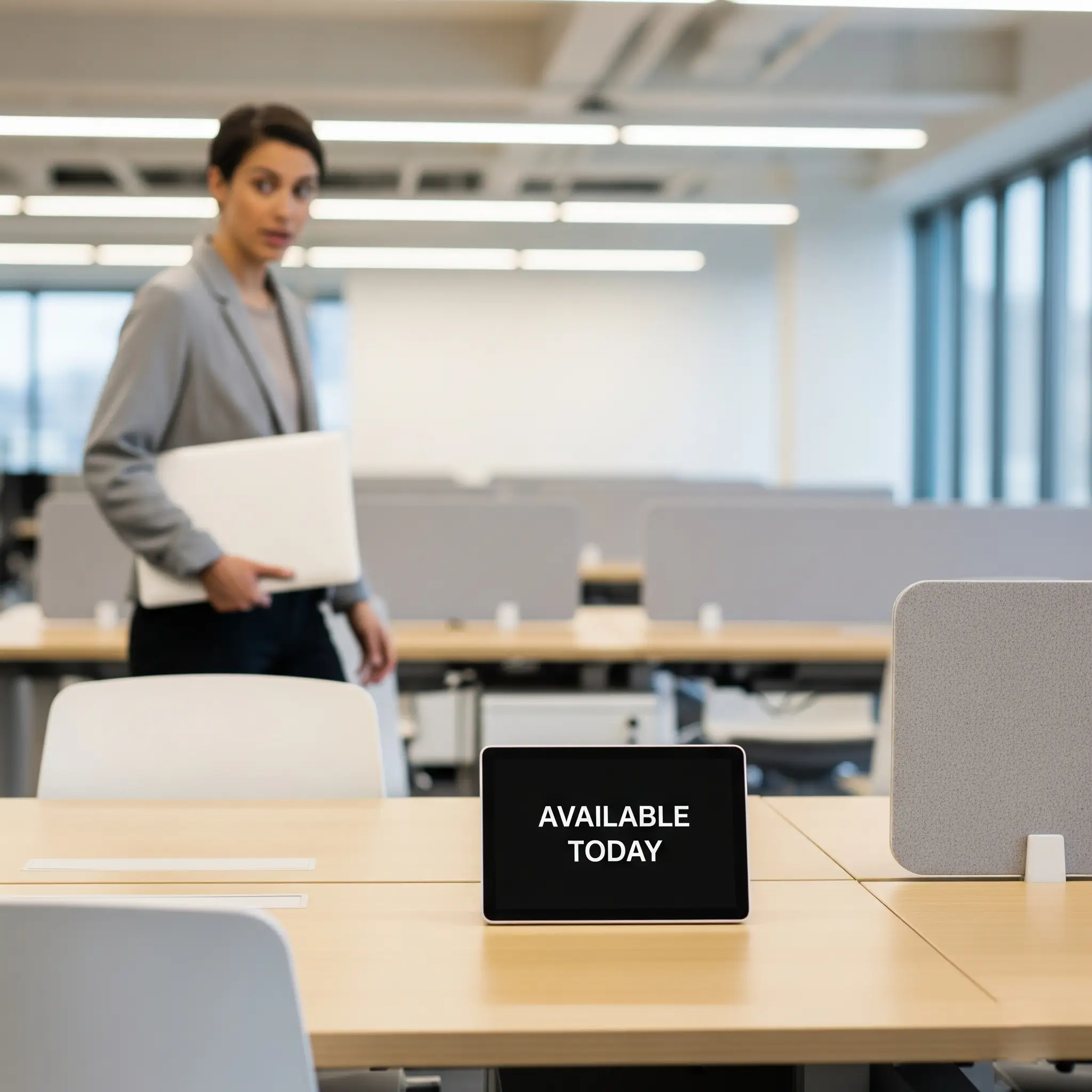
Flexible
Hot Desk
An unassigned workstation available for same-day or flexible use, ideal for spontaneous office visits.
Give employees confidence that the right workspace will be waiting before they travel into the office.
Offision Desk Booking combines live desk availability, interactive floor plans, mobile booking, workplace policies and check-in within one connected hybrid workplace platform.
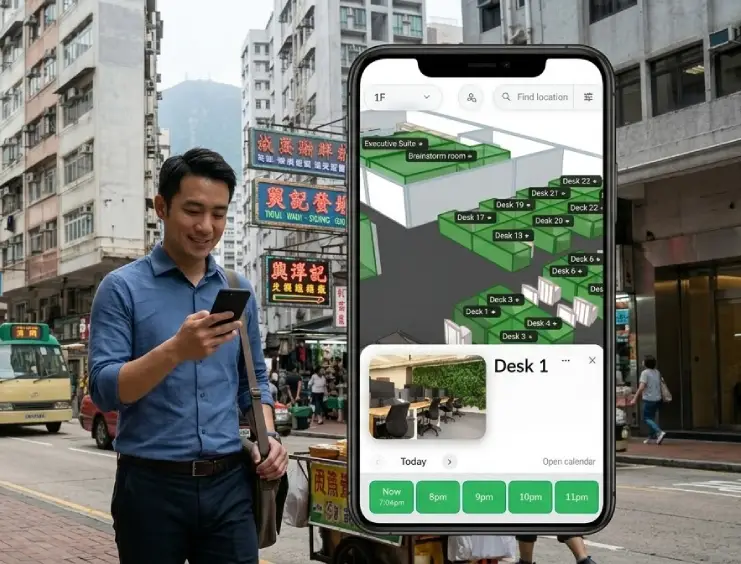
Hybrid working is easier when employees know where they are going to sit before they arrive.
Offision allows users to check live availability, select a workstation and reserve it through mobile, web or other connected workplace interfaces.
Administrators maintain control over desk types, booking policies, check-in rules, availability and how different areas of the workplace can be used.
Employees can view live desk availability before they travel and reserve the workspace that best matches their plans for the day.
Instead of arriving and searching the floor, users can go directly to the workstation they have already selected.
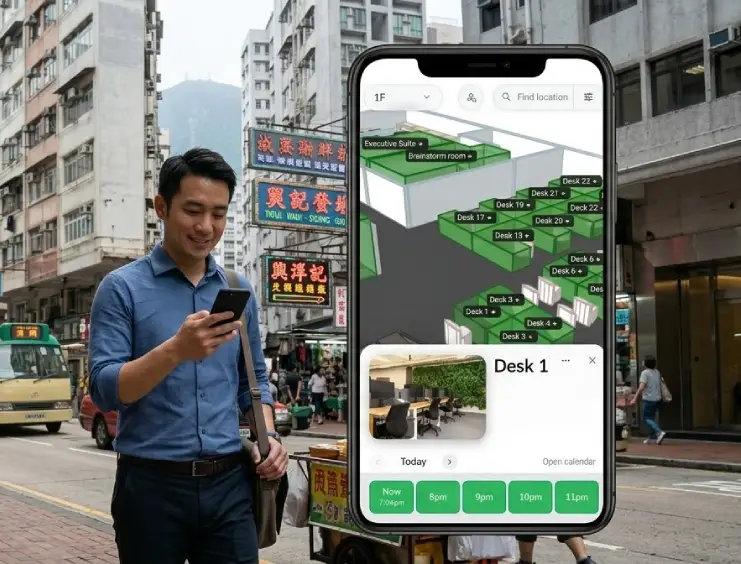
Model the workplace once, let employees reserve from their preferred device and confirm occupancy when they arrive.
Configure floors, desks, workplace areas and booking policies within the Offision platform.
Live floor plans show what is available so users can reserve a suitable workspace quickly.
Confirm use with QR stickers, compatible desk devices or other configured check-in methods.
Offision can turn office layouts into an interactive digital workplace map.
Users can visually understand which workstations are available and choose where they want to work rather than searching through a simple desk list.
Rooms, desks and other resources can all be represented within the wider workplace floor plan.
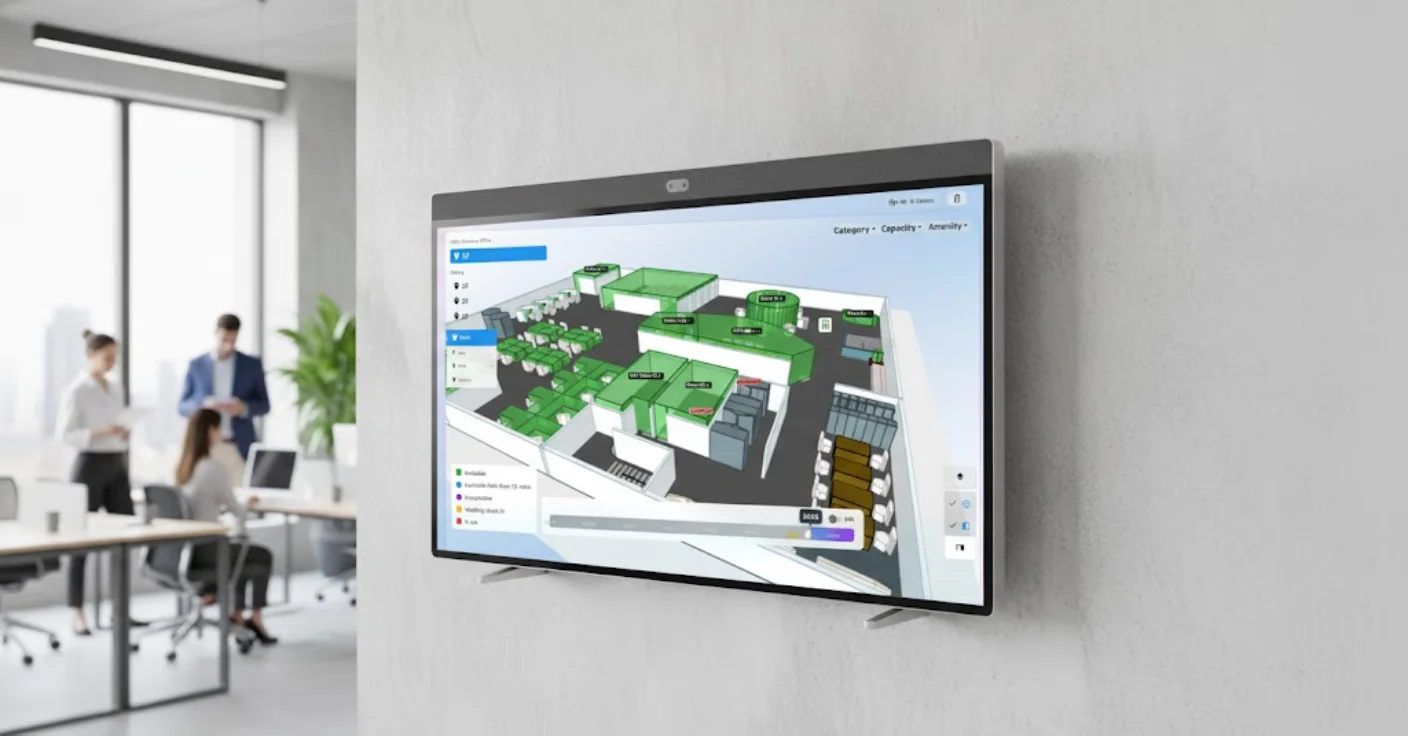
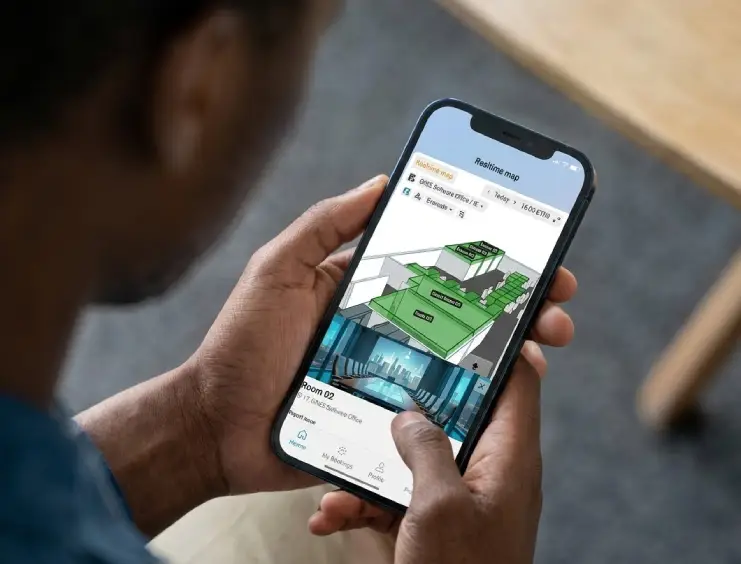
Employees do not need to be sitting at their laptop to decide where they will work.
Offision's user application provides access to live workplace availability and reservations from a mobile device.
Not every employee or team needs the same type of workstation arrangement. Offision supports flexible and assigned desk models within the same workplace.
An unassigned workstation available for same-day or flexible use, ideal for spontaneous office visits.
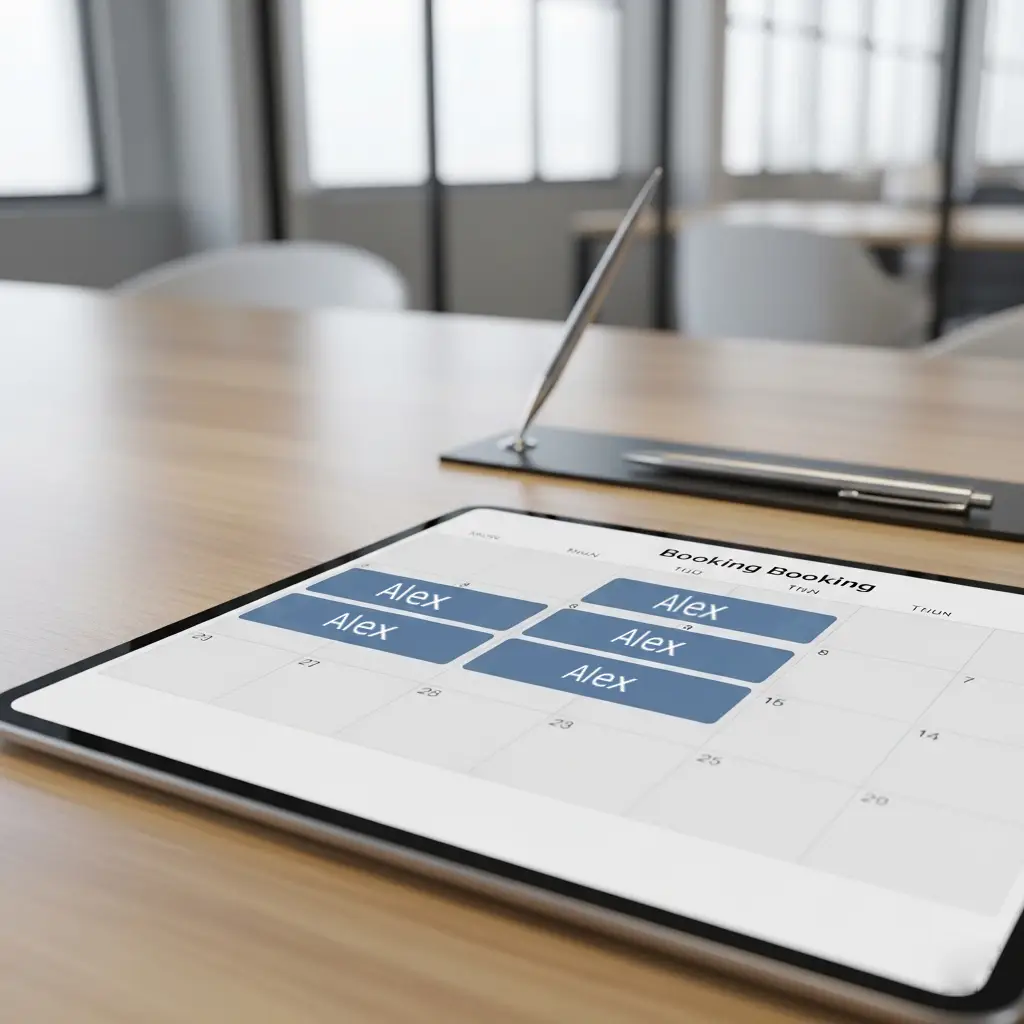
Reserve an unassigned workstation in advance for one or more planned office days.
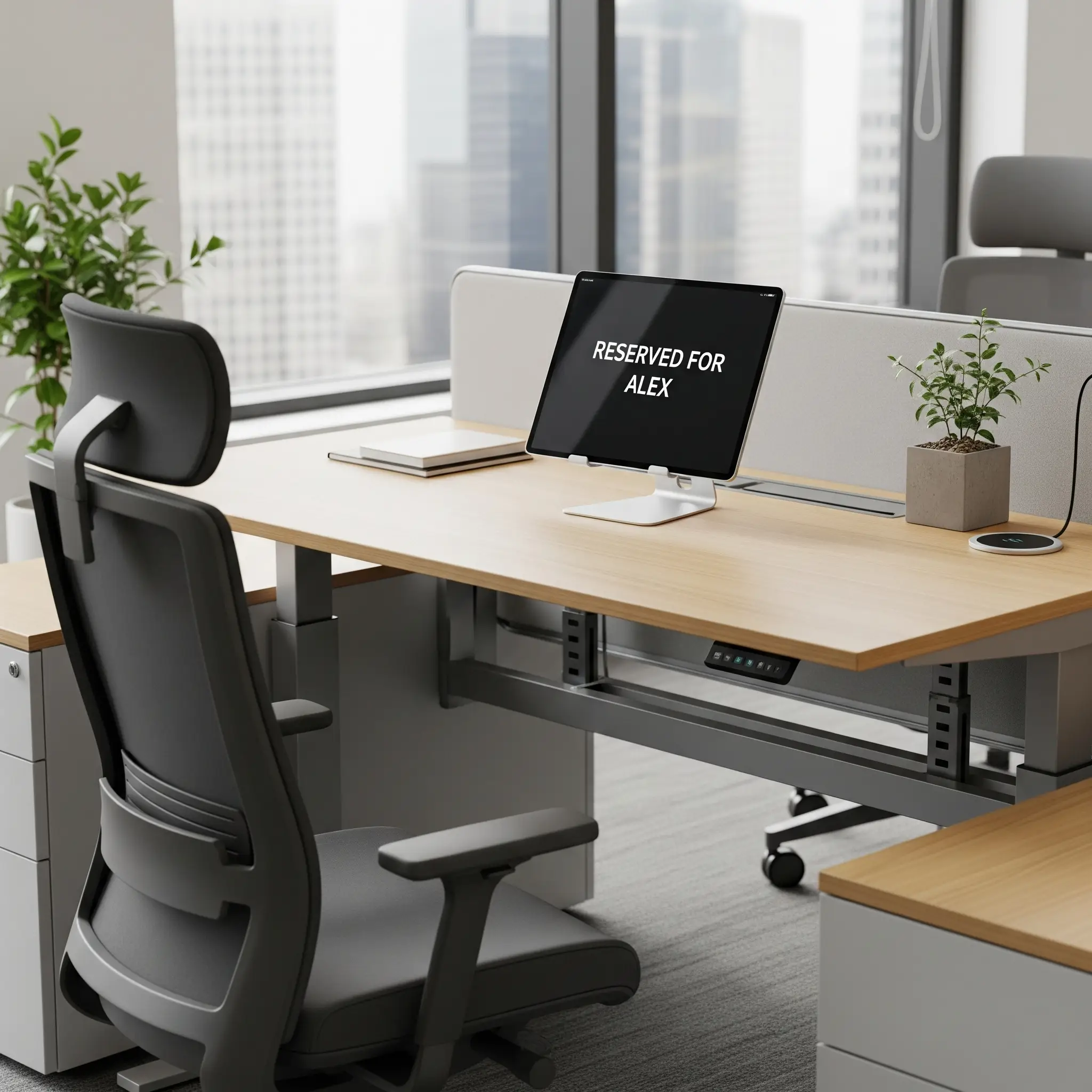
A permanent workstation associated with a specific employee while remaining visible within the wider workplace platform.
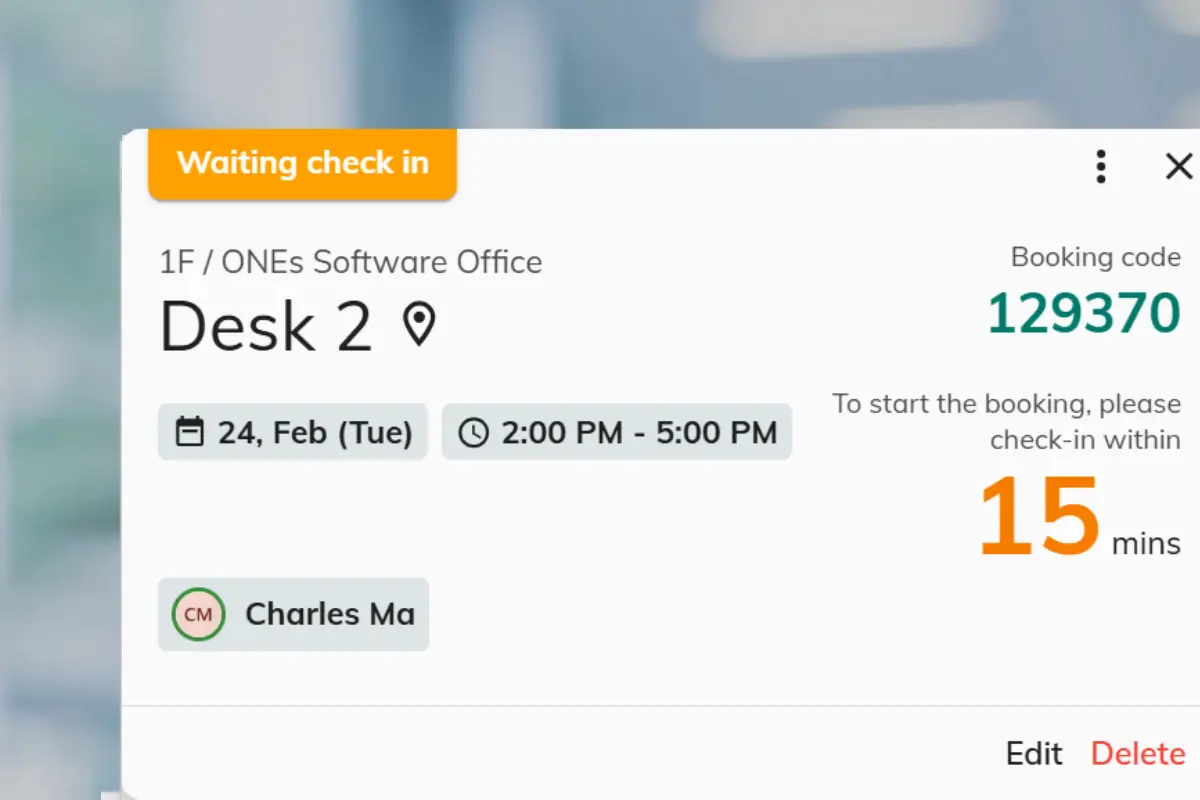
A reserved desk can still remain empty if an employee's plans change.
Offision check-in policies allow users to confirm that they have arrived, while unused reservations can be released back into circulation.
This improves real availability and helps prevent desks appearing unavailable when nobody is actually using them.
Desk reservations create valuable information about how the workplace is being used and where demand is changing.
Understand how frequently desks and workplace areas are used.
Compare demand across floors, neighbourhoods and offices.
Identify the busiest and quietest working days and areas.
Hybrid working changes the amount of office space organisations need — but the answer cannot be found from assumptions alone.
Offision provides booking and utilisation information that can help workplace teams identify busy areas, underused workstations and changing demand patterns.
This creates a stronger evidence base for reviewing office layouts, desk ratios and future workplace capacity.
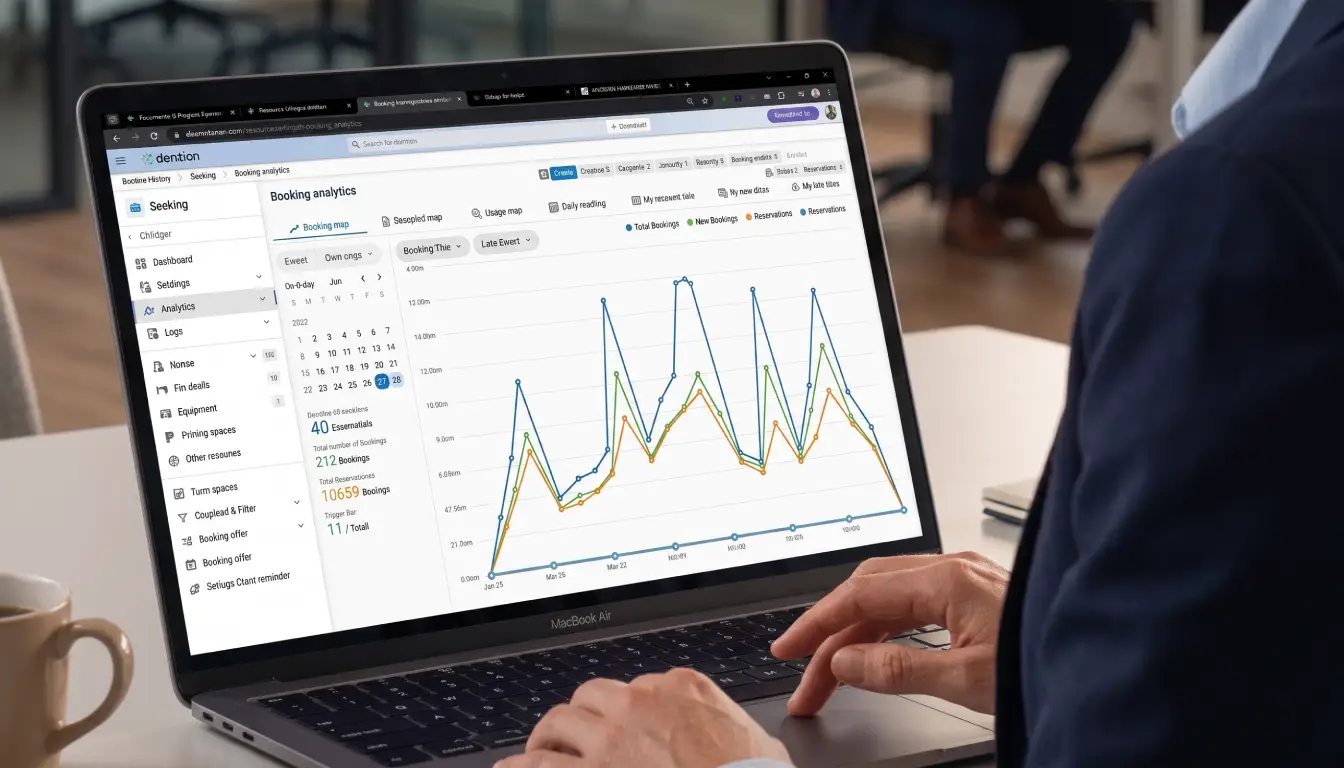
Offision can work with dedicated workplace hardware so employees can identify, reserve and check into workstations directly within the office.
Offision connects workplace booking with familiar business, calendar and smart-office technologies rather than creating another isolated system.
Give employees confidence that a suitable desk is waiting before they commute.
Make workplace availability visual rather than relying on desk numbers alone.
Check-in and auto-release help unused desks return to circulation.
Combine hot desks, hotel desks and assigned workstations.
Plan office days and reserve workspaces away from the desk.
Use real booking patterns to support workplace planning and space decisions.
Speak to Anders+Kern about Offision Desk Booking, hot desking, office hoteling, interactive floor plans, desk check-in, workplace hardware and utilisation analytics.
Contact A+K