Give employees a simple way to report technology and facilities issues while support teams manage every ticket from report through to resolution.
Offision Ticket Management connects issue reporting, workplace devices, room locations, technical teams and real-time status updates within the wider Offision workplace platform.

When a display, camera, room system or workplace facility develops a fault, employees need a simple way to report it.
Offision turns each report into a trackable ticket containing the issue, location, relevant information and current resolution status.
Support teams can then assign work, update progress, document the fix and maintain a complete history of the issue.
Employees can report an issue through suitable Offision interfaces rather than searching for an IT or facilities email address.
The ticket can include a description, photographs and information about the device or workplace location.
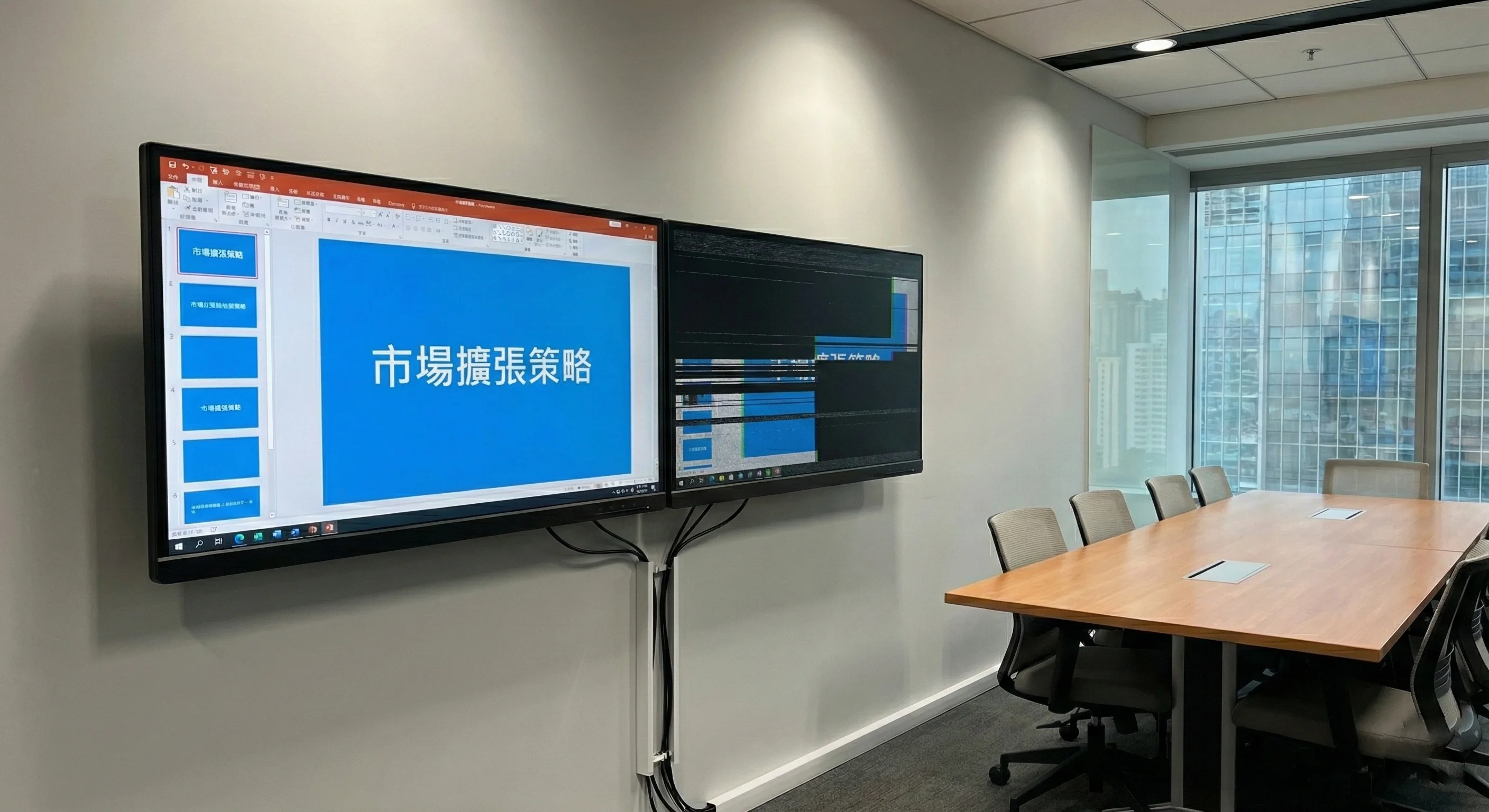
Clear status stages help employees, support staff and managers understand what is happening with each issue.
The issue is reported and a new ticket is automatically created.
A technician is assigned and begins investigating the issue.
The fix is documented and the original reporter is notified.
Resolution is confirmed and the complete ticket is archived.
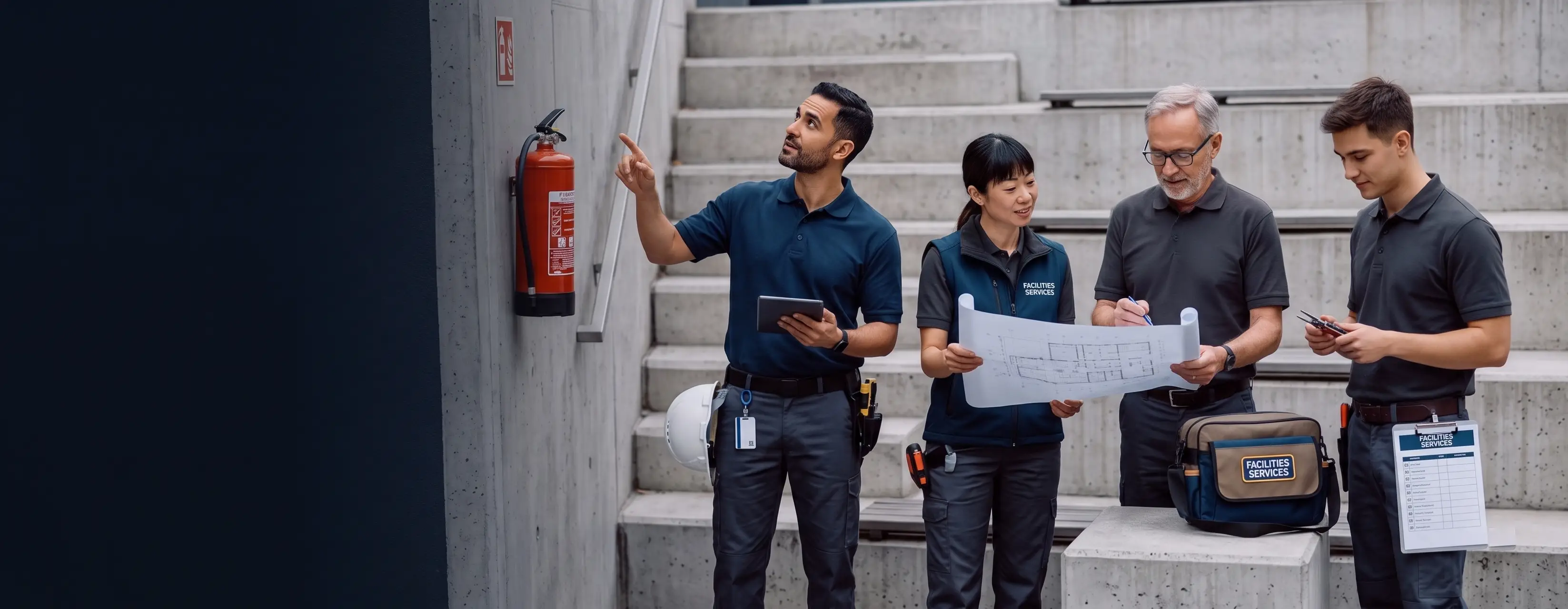
Reporting the fault is only useful if the right technical or facilities team receives it quickly.
Offision can support automatic or manual assignment based on factors such as expertise, workload and workplace location.
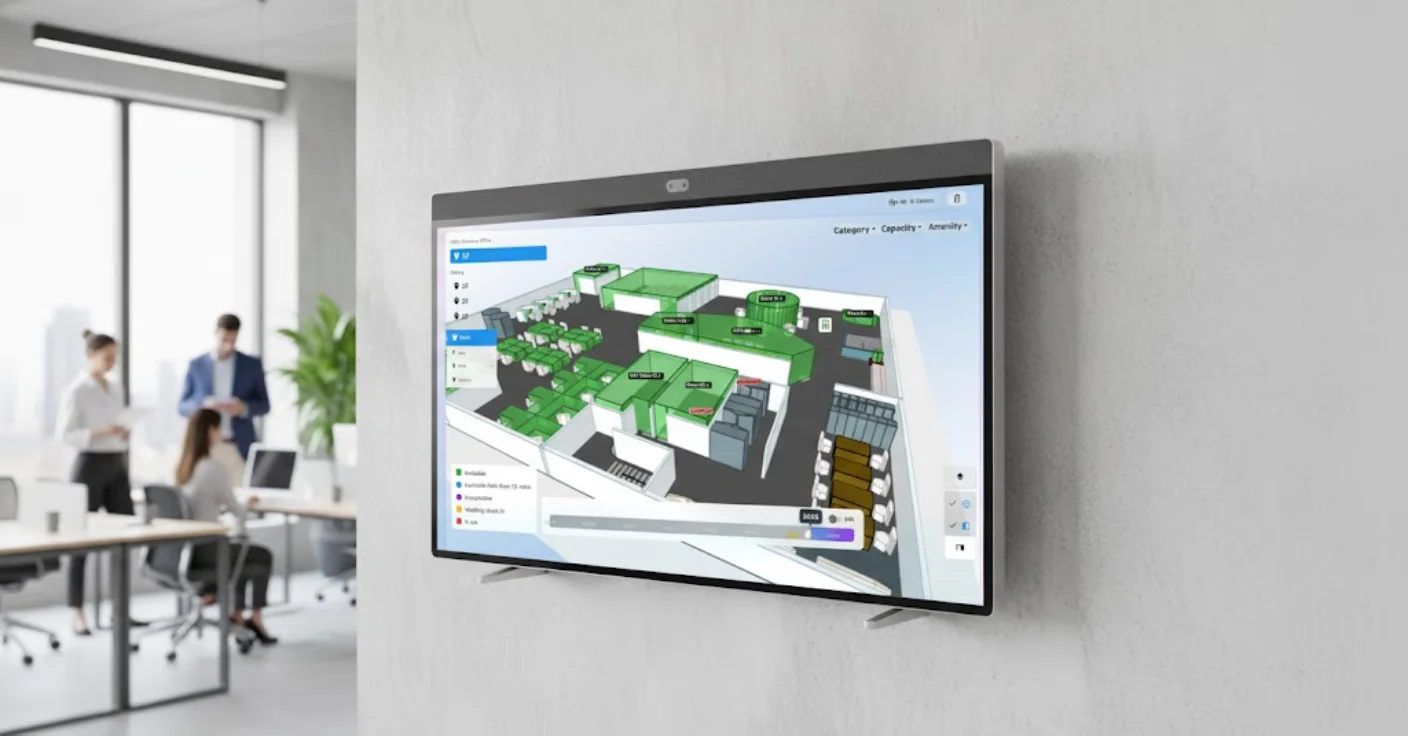
A ticket can carry workplace location information including the building, floor and room where the fault was reported.
Support staff can use this information alongside interactive floor plans to locate the affected device or area more quickly.
This is particularly useful for larger workplaces, campuses and multi-floor office environments.
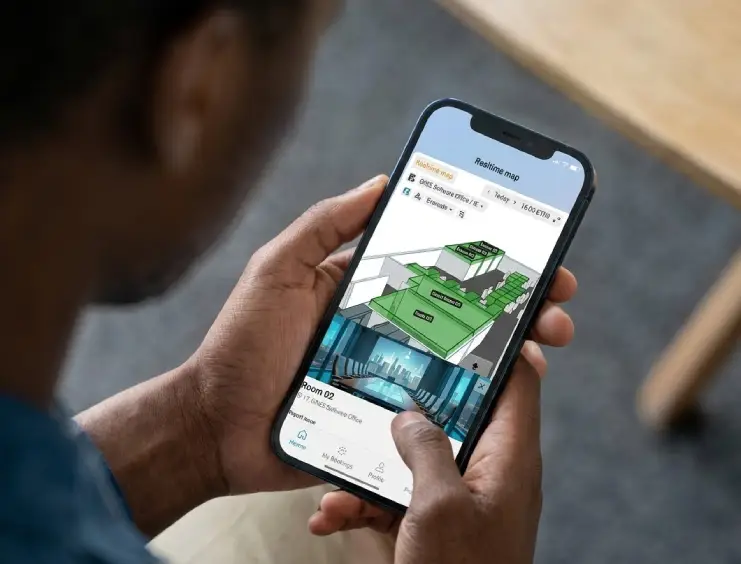
Offision can notify technical staff immediately when a new ticket is raised.
The person who reported the issue can also follow progress as the ticket moves through investigation and resolution.
Monitor faults, flickering, resolution and connection problems.
Cameras, microphones, speakers and conferencing-system issues.
Wi-Fi, Ethernet, VPN and connectivity-related faults.
PCs, laptops and associated workplace peripherals.
Door access, badge readers and room-access systems.
Lighting, HVAC, furniture and room-environment issues.
When work is complete, the technician can record what was done and mark the issue as resolved.
Supporting information can be retained with the ticket before it moves into the closed and archived state.
Managers can view ticket status, staff assignments and outstanding workplace issues centrally.
This creates better visibility of workload, recurring problems and overall support performance.
Closed tickets create a valuable record of workplace faults, response times and recurring technical issues.
Measure how quickly issues are being completed.
Identify recurring faults across equipment and spaces.
Review technician workload and completed tickets.
Use historical data to help identify repeat problems.
Offision Ticket Management can operate as part of the wider workplace environment, allowing issues to retain context about rooms, devices, people and physical locations.
Give employees a straightforward way to report workplace faults.
Automatically retain useful building and room information.
Route work towards suitable support staff and teams.
Keep users and technicians informed as work progresses.
Retain issue details and resolution information for future reference.
Analyse support demand, resolution time and repeat faults.
Speak to Anders+Kern about Offision Ticket Management for AV, IT, facilities and smart workplace issue reporting, support assignment and resolution tracking.
Contact A+K