
Internal Events
Built for Your Team
Run employee-focused events with controlled capacity and attendance tracking.
- Workshops
- Training sessions
- Town halls
- Onboarding
- Team activities
Manage the complete event journey from creation and venue booking through to registration, QR check-in and reporting.
Offision Event Management brings workplace events into the same connected platform as rooms, resources, attendance and wider workplace management.

Workplace events often require several separate tools for venues, invitations, attendee registration and attendance.
Offision brings these processes together, allowing workplace, HR and marketing teams to manage an event from a single system.
Internal employee events and external guest events can both be managed through the same platform.
Set the event details, venue and capacity.
Create a branded event registration page.
Collect attendee details and issue confirmations.
Confirm attendance using QR codes at the door.
Review attendance and post-event performance.
Offision brings the essential information needed to plan an event into one administration workflow.
Organisers can configure the event, select where it will take place and control how many people can attend.
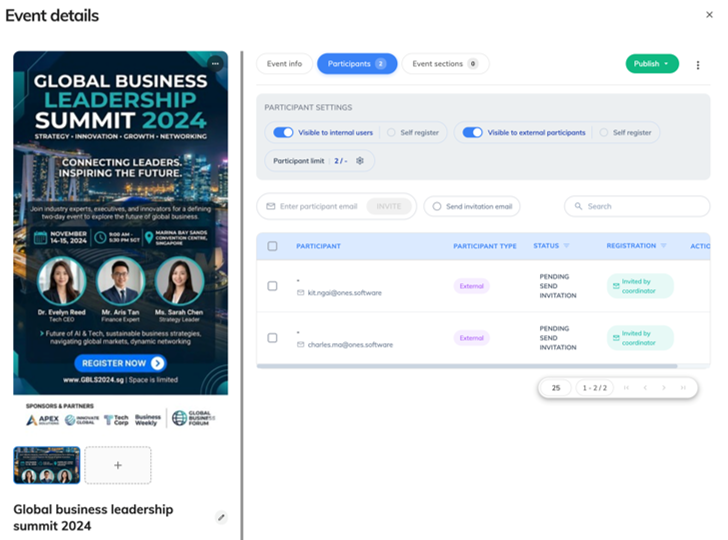
Run employee-focused events with controlled capacity and attendance tracking.
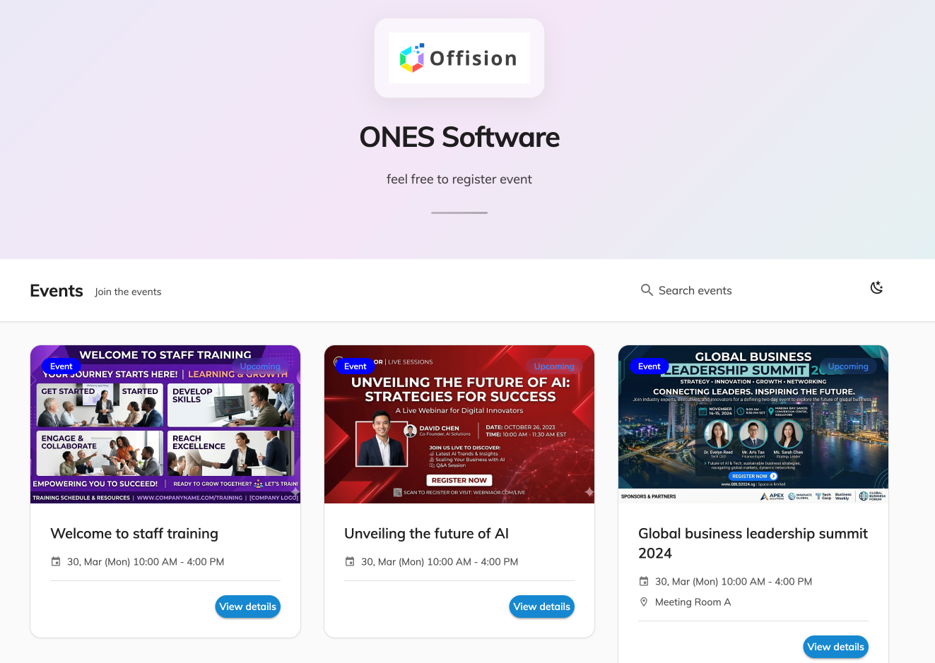
Manage public or invite-only events with controlled or open registration.
Each event can have its own registration page where participants can review information and register themselves.
Branding and registration options can be configured to create a more consistent participant experience.
Participants can register online using a configurable form that captures the information required for the event.
Offision supports both internal employees and external participants within the registration process.
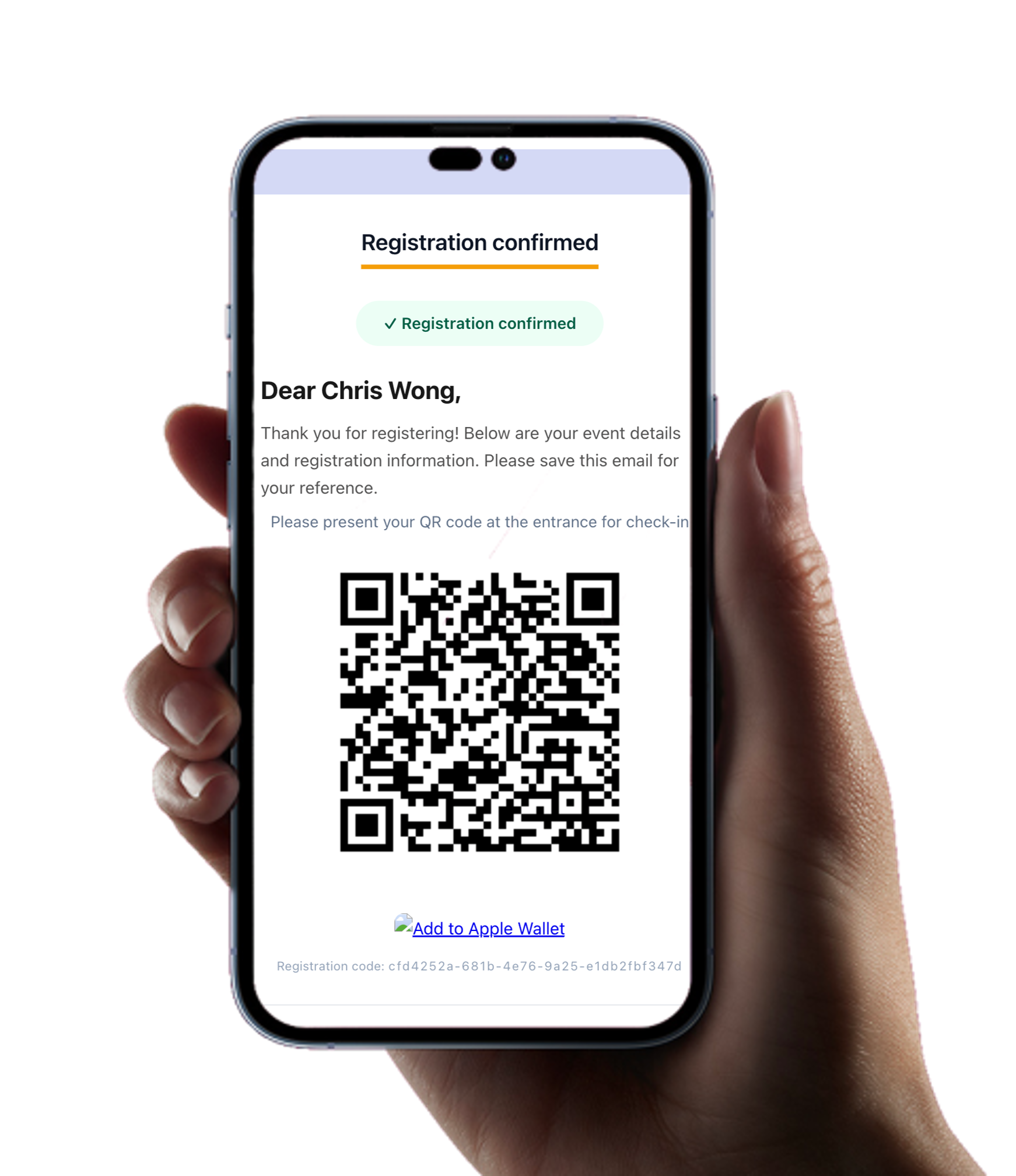
Registration tells organisers who plans to attend. QR check-in shows who actually arrives.
Attendees can present their event QR code at the entrance, while designated event helpers can assist with check-in.
Attendance updates in real time, providing organisers with an immediate view of arrivals, no-shows and late attendees.


Compatible displays can present event information directly outside the venue or event room.
Attendees can see the event name, time and location while QR check-in can form part of the same arrival experience.
View events, participant lists, status and event history.
Set maximum attendee numbers and close registration when full.
Assign organisers and helpers to manage individual events.
Organise webinars, classes, trade shows and other event types.
Control whether an event is internal, external or restricted.
Support virtual event workflows with Teams, Zoom and other platforms.
Offision provides event organisers with a clearer view of registrations, attendance and event performance.
Track how many people register for each event.
Compare registered participants with actual attendees.
Identify participants who registered but did not attend.
Review event participation and wider performance information.
Event performance should not disappear once the doors close.
Registration and attendance data can help organisers understand demand, capacity, turnout and engagement.
This creates useful information for planning future workplace events, training and conferences.
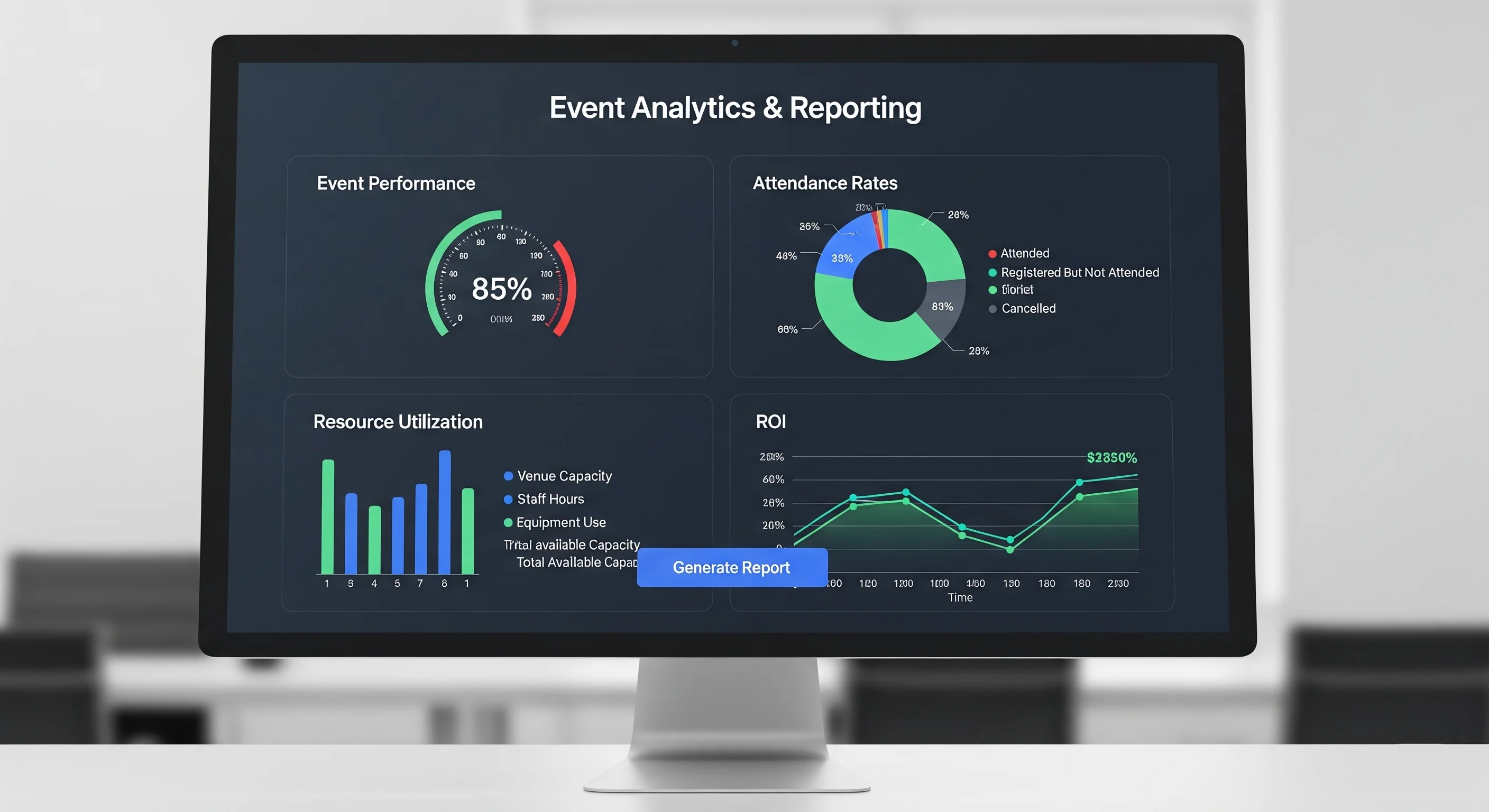
Event Management sits inside the wider Offision workplace platform, allowing event activity to connect with rooms, resources and familiar collaboration tools.
Set up events, venues, capacity and registration from one platform.
Give attendees a dedicated page to register themselves.
Convert registrations into accurate real-time attendance.
Manage employee events and external audiences in one system.
Extend event information to compatible door panels and signage.
Measure registrations, attendance and no-shows after the event.
Speak to Anders+Kern about Offision Event Management, online registration, QR check-in, event displays, venue booking and connected workplace event analytics.
Contact A+K