Real-time meeting-room availability across web, mobile, calendars and room displays — connected through one workplace platform.
Offision simplifies the complete room-booking experience, helping employees find suitable spaces, avoid scheduling conflicts, check in when they arrive and release rooms that are no longer being used.
Employees should not need to search through multiple calendars or walk around the office looking for an available meeting room.
Offision provides a connected booking experience across mobile, web, calendars and physical room displays.
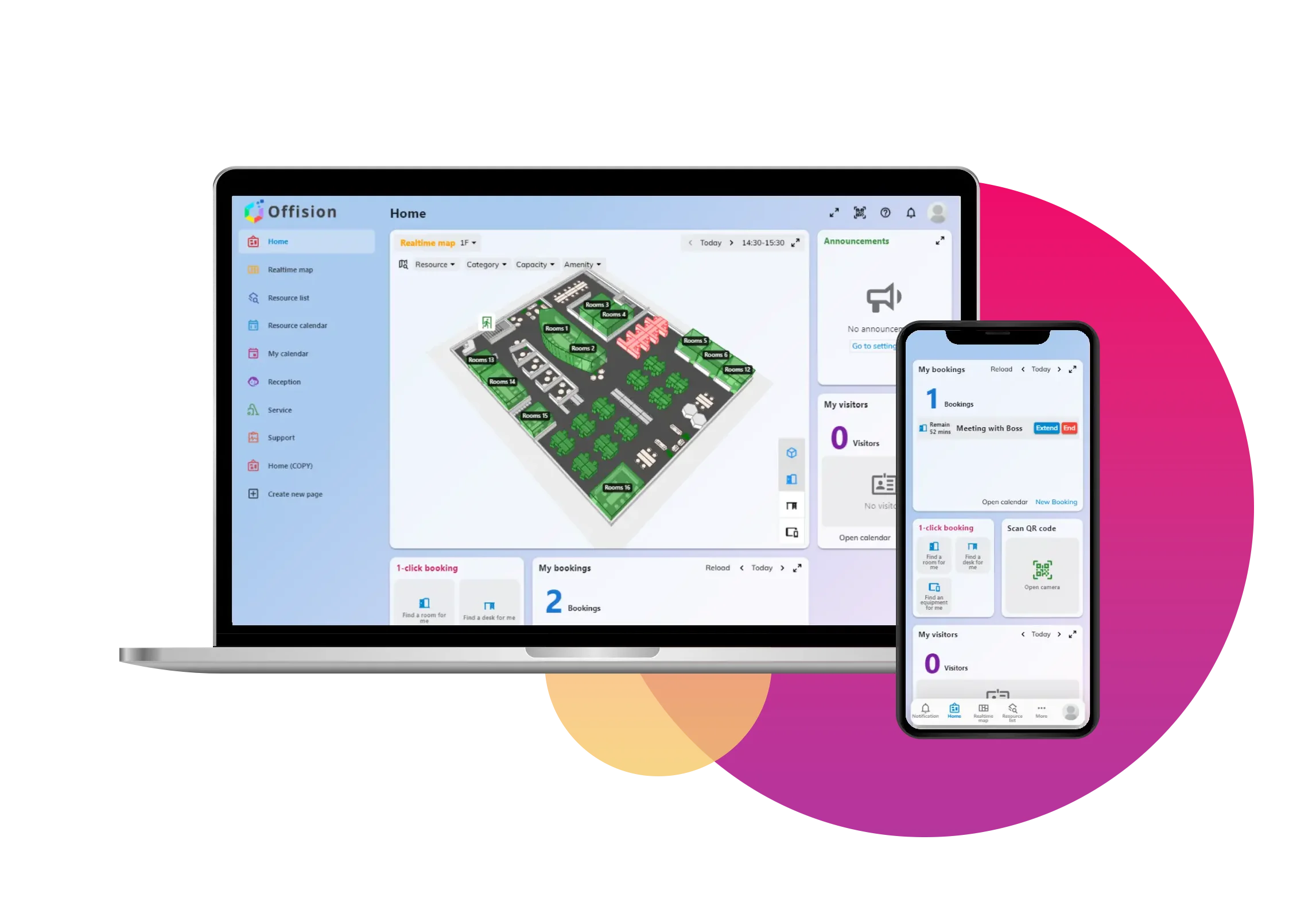
Rooms can be filtered according to the meeting requirement, helping users select an appropriate space rather than simply booking the first available room.
Search availability, capacity, equipment and location to select a room that actually suits the meeting.
Synchronised calendars maintain a consistent booking status across the platforms employees already use.
Check-in and auto-release policies help return rooms to availability when reservations are not being used.
Offision brings room information together so employees can make a better booking decision before reserving the space.
Availability, capacity, equipment and location can all form part of the room-selection process.
Connect existing workplace calendars, make spaces visible and give employees one simple reservation experience.
Synchronise existing room calendars with Microsoft or Google so current reservations carry into Offision.
Browse real-time availability and filter rooms according to capacity, location and equipment.
Reserve the room, modify bookings when plans change and check in when the meeting begins.
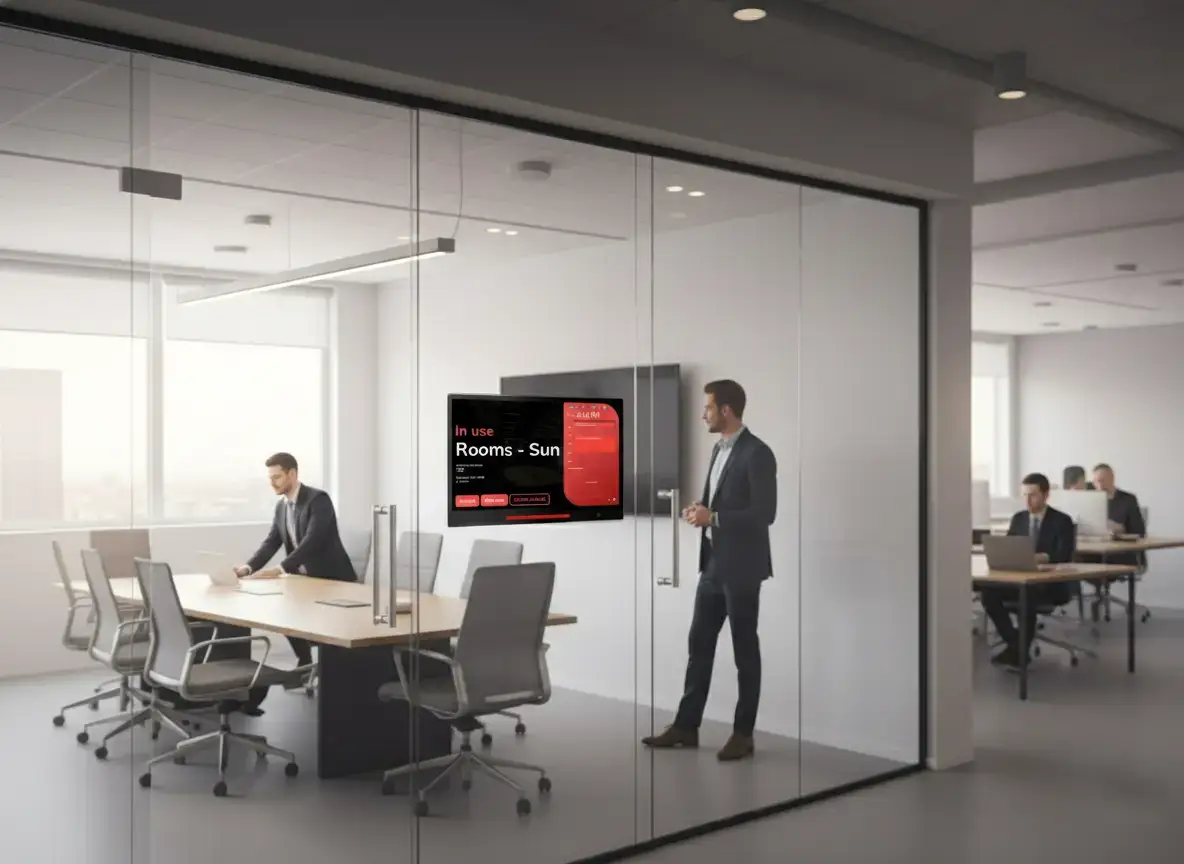
Offision can extend the booking experience to touchscreen room panels positioned outside meeting rooms.
Employees can see current availability at a glance, view meeting information, check in and make walk-up reservations directly at the room.
Offision supports room-panel hardware from multiple manufacturers, helping organisations choose devices that suit the wider AV and workplace environment.
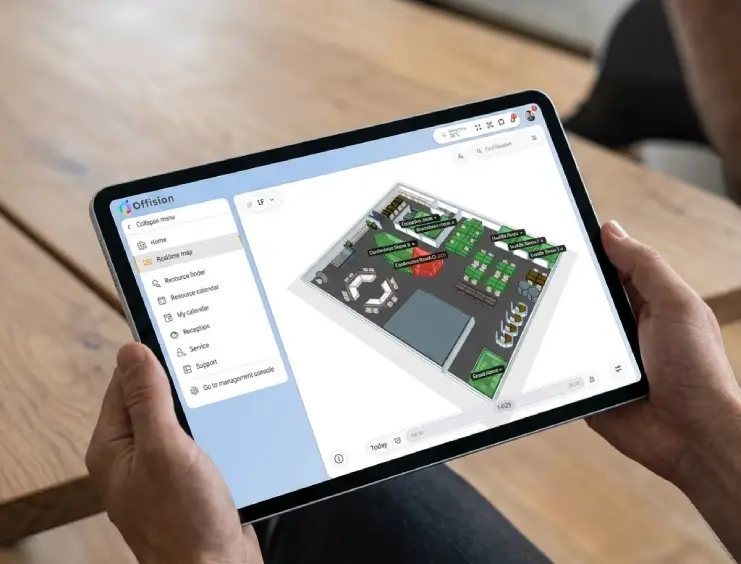
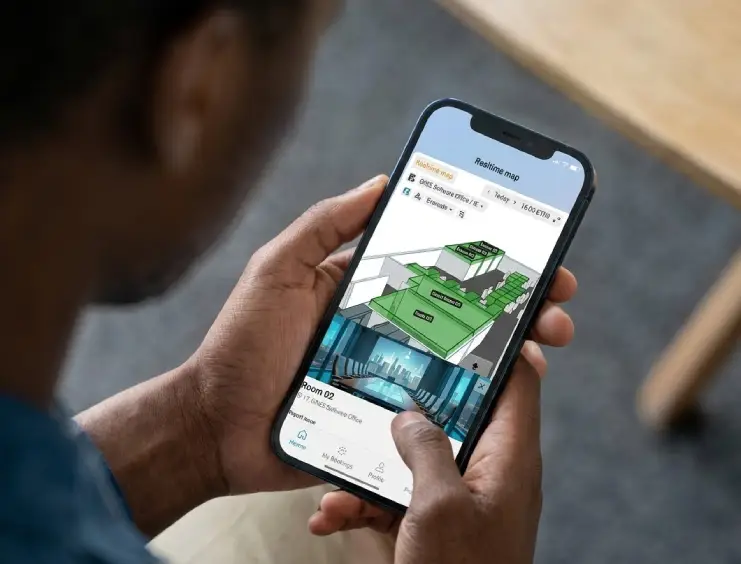
Offision allows employees to manage room bookings from their phone as well as web, calendar and room-display interfaces.
Users can search for available rooms, review schedules and book appropriate meeting spaces while on the move.
A booked meeting room is not necessarily an occupied meeting room.
Offision can require users to check in when they arrive. If a booking is not confirmed within the configured period, the space can be automatically released.
This helps reduce ghost bookings and gives other employees access to meeting rooms that would otherwise appear unavailable.
Room booking data can provide workplace teams with a clearer picture of demand and how effectively meeting-space capacity is being used.
Understand how frequently individual meeting rooms are reserved and used.
Compare demand across different rooms, floors and office locations.
Identify periods of high and low meeting-room demand.
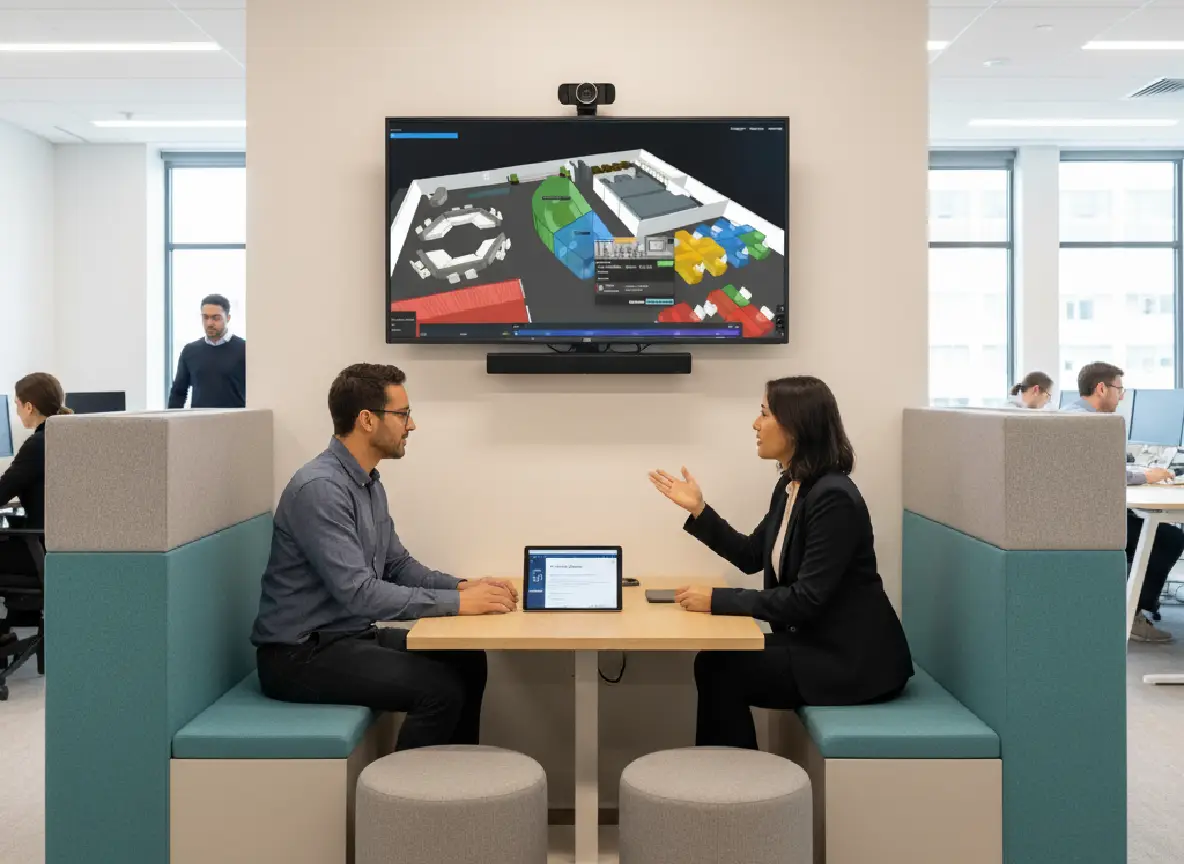
Modern workplaces contain much more than traditional meeting rooms.
Offision can manage different bookable resources so employees can find the space that best suits the work they need to do.
Offision connects room reservations with familiar calendar, collaboration and workplace technologies so employees do not have to adopt an isolated booking process.
Search, filter and reserve rooms through multiple familiar interfaces.
Keep room availability synchronised across calendars, apps and panels.
Check-in and auto-release help make better use of limited meeting space.
Use Offision with supported professional room-panel hardware.
Search and reserve meeting spaces while away from the desk.
Room booking can connect with the wider Offision workplace platform as requirements grow.
Speak to Anders+Kern about Offision Meeting Room Booking, room displays, Microsoft 365 and Google integration, check-in, auto-release and wider workplace-management requirements.
Contact A+K