See parking availability before you leave home and reserve a space alongside your desk or workplace visit.
Offision Parking Space Booking brings workplace parking into the same connected platform as desks, visitors and other workplace resources — with live floor plans, booking rules and utilisation insight.
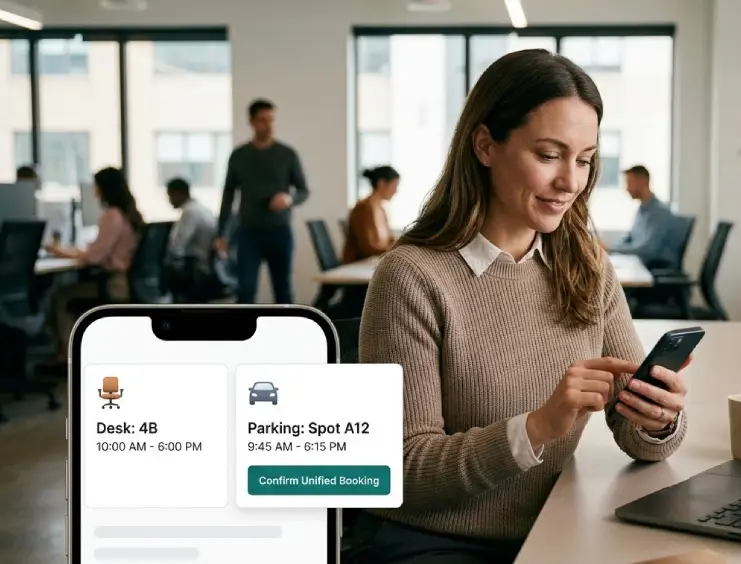
Parking can become one of the first points of friction in the working day when demand exceeds the number of available spaces.
Offision lets employees see availability and reserve a parking bay before travelling into the office.
Parking can be managed alongside desks, visitors and other workplace resources, helping create one joined-up arrival experience.
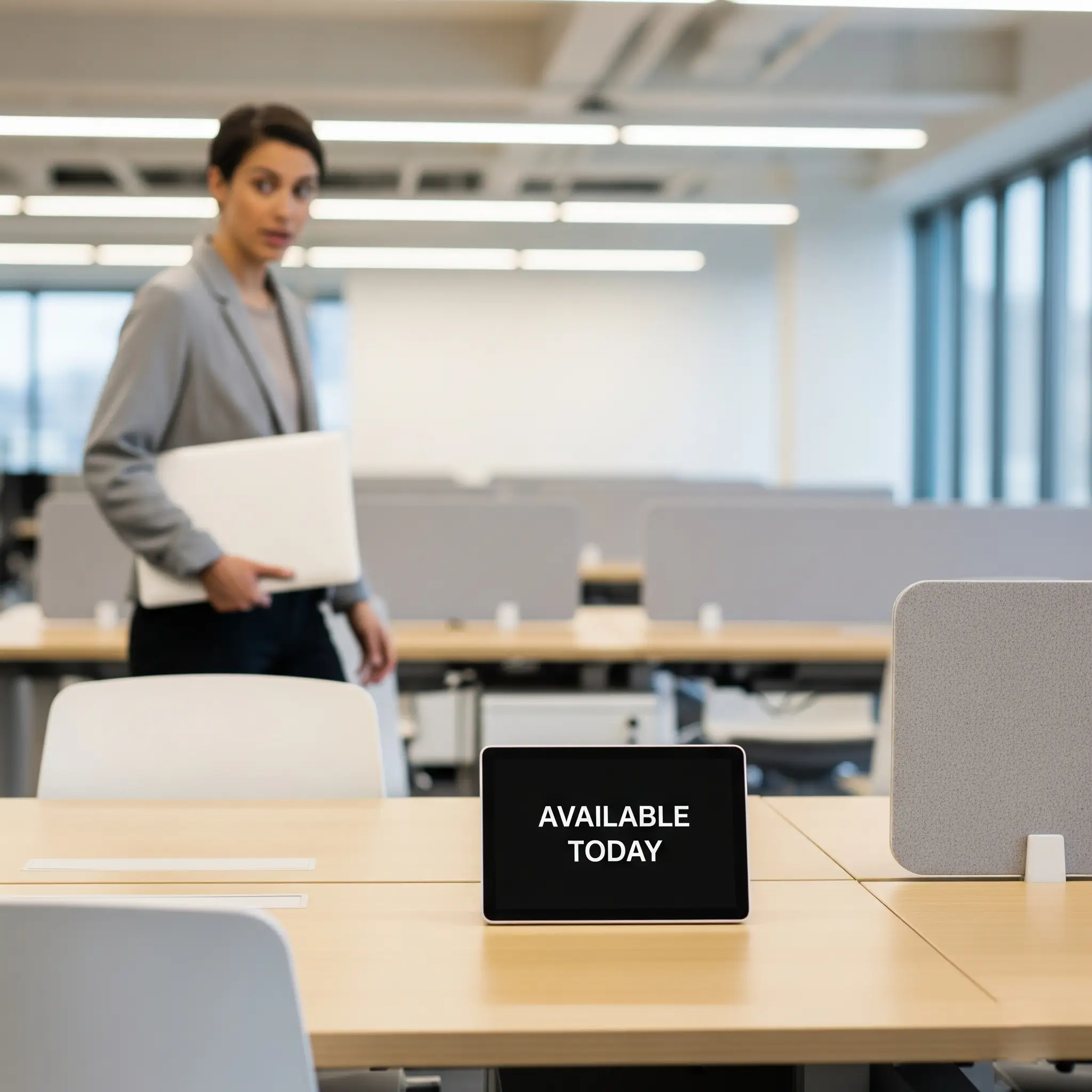
Workplace planning becomes simpler when employees can organise more than just where they will sit.
Offision allows a parking space to be added alongside a desk reservation, creating one connected plan for the working day.
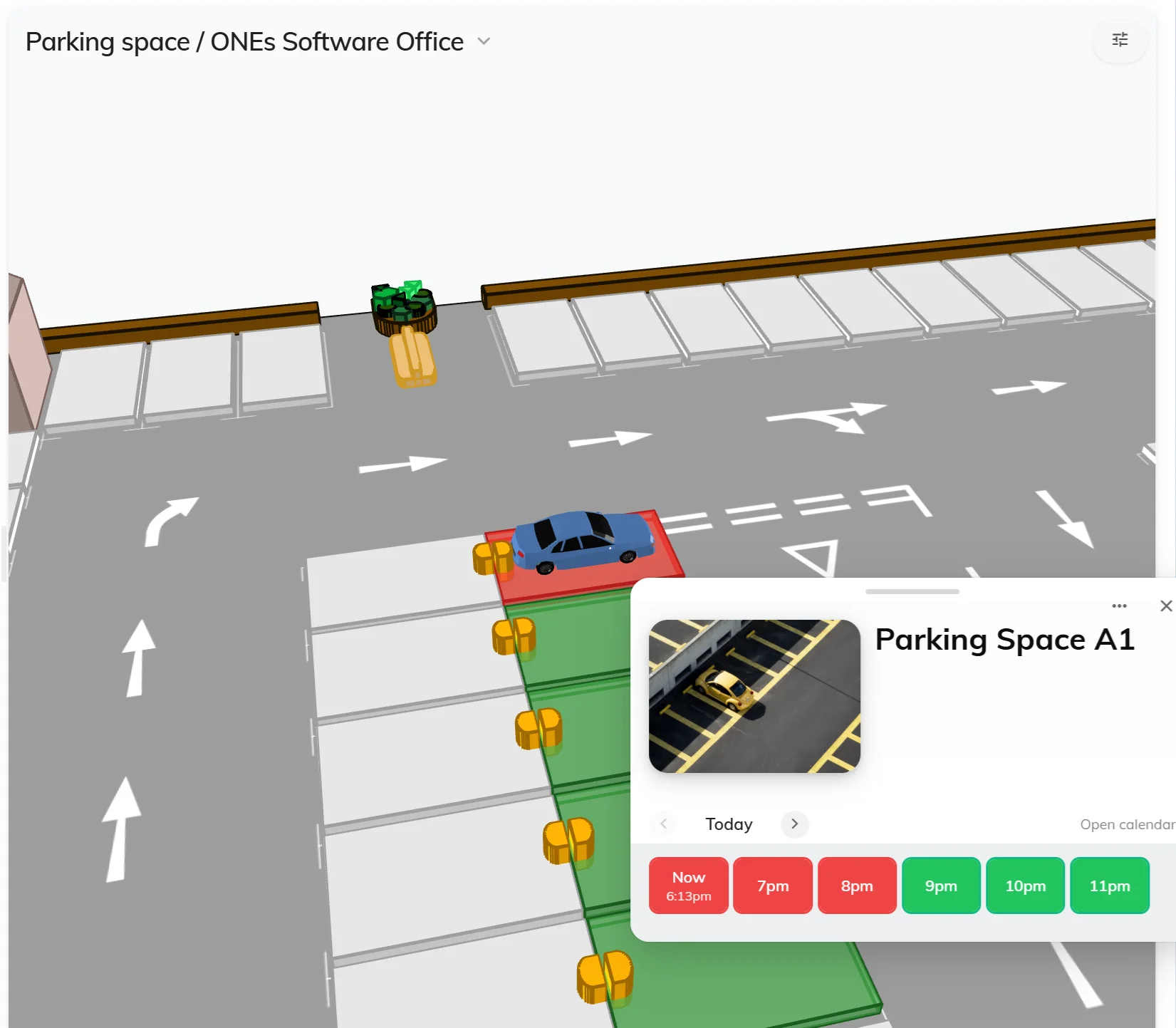
Parking availability can be displayed directly on an interactive Offision floor plan.
Colour-coded parking spaces make it easier to understand availability without searching through a long list of bay numbers.
Parking can sit alongside meeting rooms, desks and other workplace resources within the same visual environment.
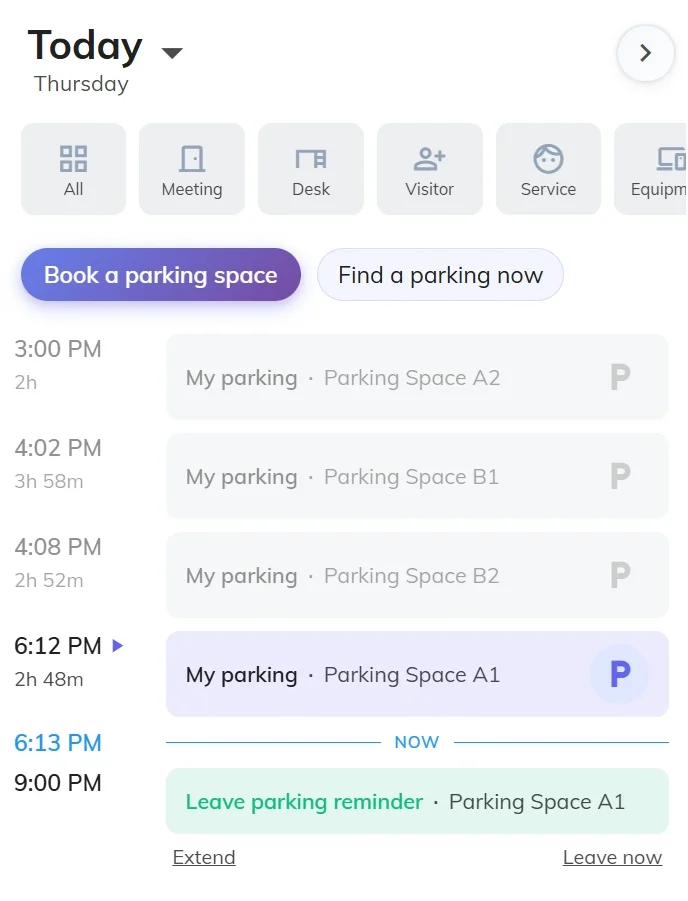
Open the workplace map and view available parking spaces.
Choose a suitable bay and filter according to requirements.
Add parking to a desk booking or reserve it independently.
Check in when required and keep live availability updated.
Not every parking space has the same features or is suitable for every user.
Offision allows parking resources to include relevant amenities so employees can locate the most appropriate space.
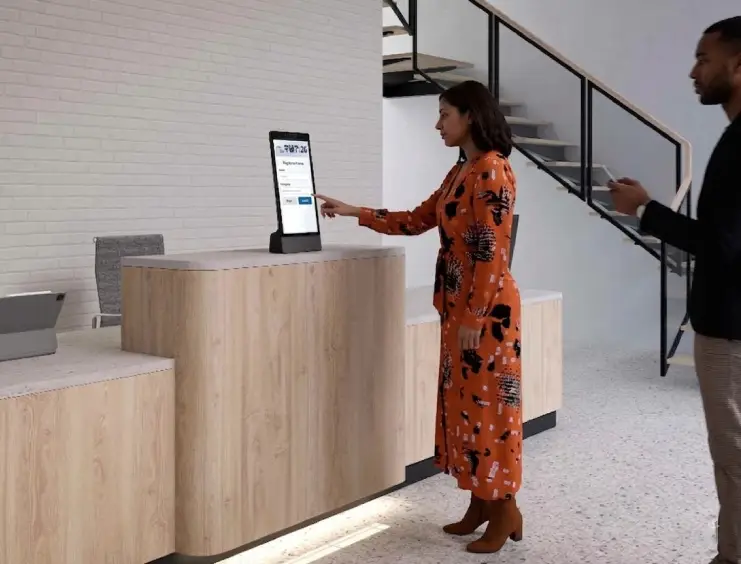
The visitor experience can begin before the guest reaches reception.
When creating a visitor booking, an available parking space can be allocated as part of the same process.
This gives guests clearer arrival information and helps avoid unnecessary confusion when they reach the site.
Offer hourly, full-day or recurring parking reservations.
Permanently allocate specific spaces to employees, teams or other authorised users.
Allow users to find EV, accessible, covered or other suitable parking spaces.
Use notifications to help employees remember reservations and check-in requirements.
Understand utilisation, busy periods and changing parking demand.
Set booking rules, maximum durations and cancellation policies.
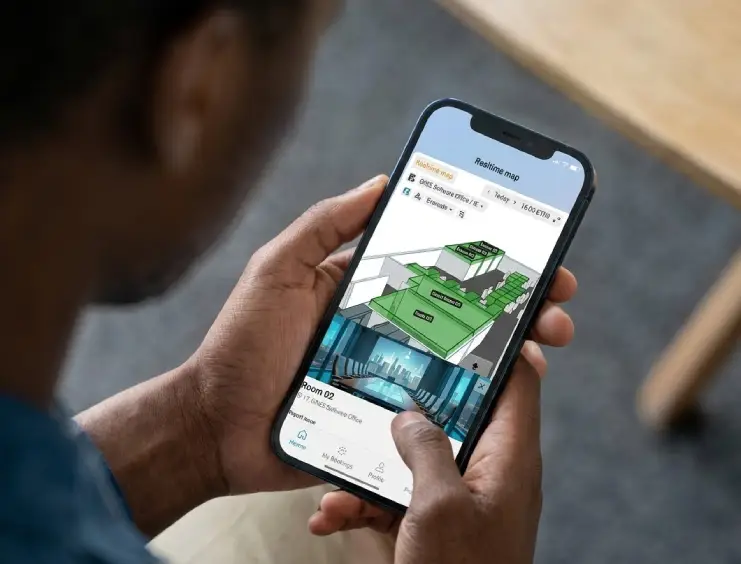
Employees can reserve workplace parking from a mobile device before travelling into the office.
The same availability can also be accessed through the web environment or a suitable workplace kiosk.
Book parking alongside a desk so both are ready when the employee arrives.
Allocate an appropriate bay as part of the visitor invitation.
Manage multiple car parks and help employees select the best location.
Assign spaces, set policies and understand utilisation from one platform.
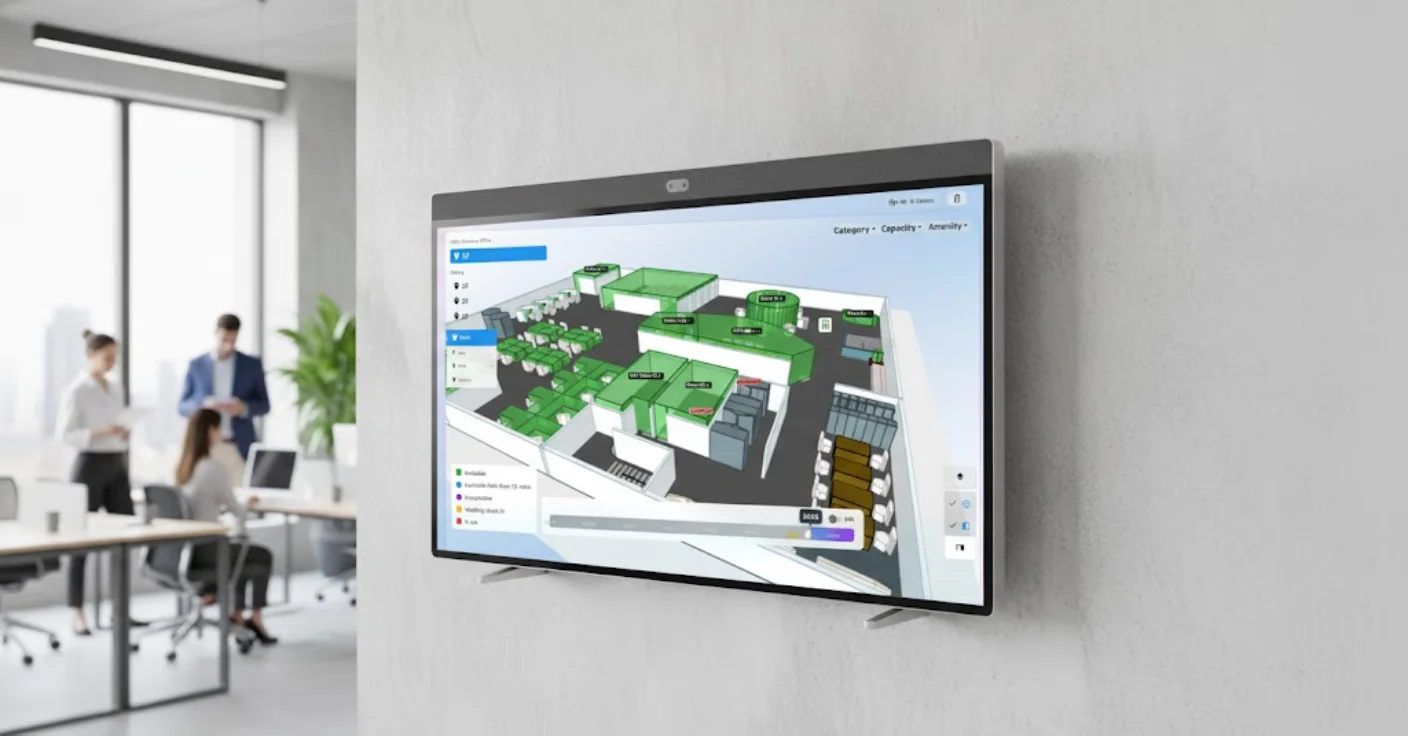
Offision does not need parking to operate as a separate application.
Parking spaces can become another workplace resource within the same interactive floor-plan environment as desks, rooms and equipment.
This gives employees one consistent interface for planning the complete working day.
Parking Space Booking connects naturally with the wider Offision platform rather than operating as a separate parking-only application.
Let employees confirm parking before beginning their commute.
Show free, booked and assigned spaces on a visual floor plan.
Combine workplace and parking reservations into one journey.
Reserve parking as part of the visitor invitation process.
Filter for parking equipped with EV charging facilities.
Understand demand, peak periods and parking usage trends.
Speak to Anders+Kern about Offision Parking Space Booking, employee and visitor parking, EV charging spaces, interactive parking maps and connected workplace management.
Contact A+K